

Delete variable
Deletes the contact's local variables. The block is useful at the beginning of a scenario a person goes through repeatedly — for example, a new order: earlier answers will not get into the new one.
Settings
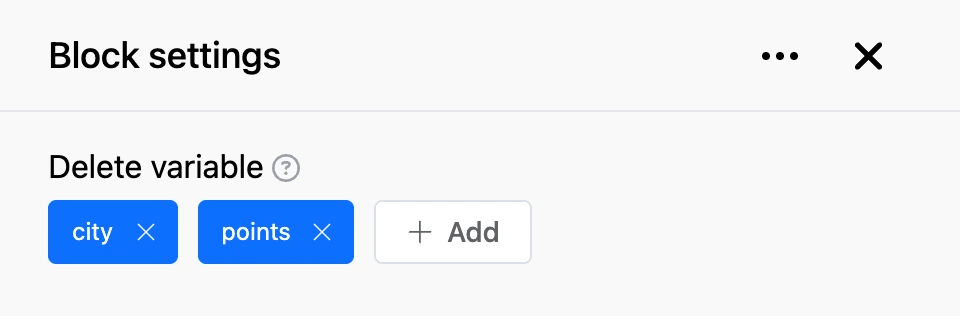
- "Variables" — the names of the variables to delete. Click "Add" and choose a variable from the suggestions, or type the name and press Enter.
Outputs
- "Continue" — the bot moves on right after the deletion.
This block does not touch the bot's global variables.