

Find a record
Looks for a record and puts its columns into variables — to show them on the next screen: a product card, the latest order, a profile.
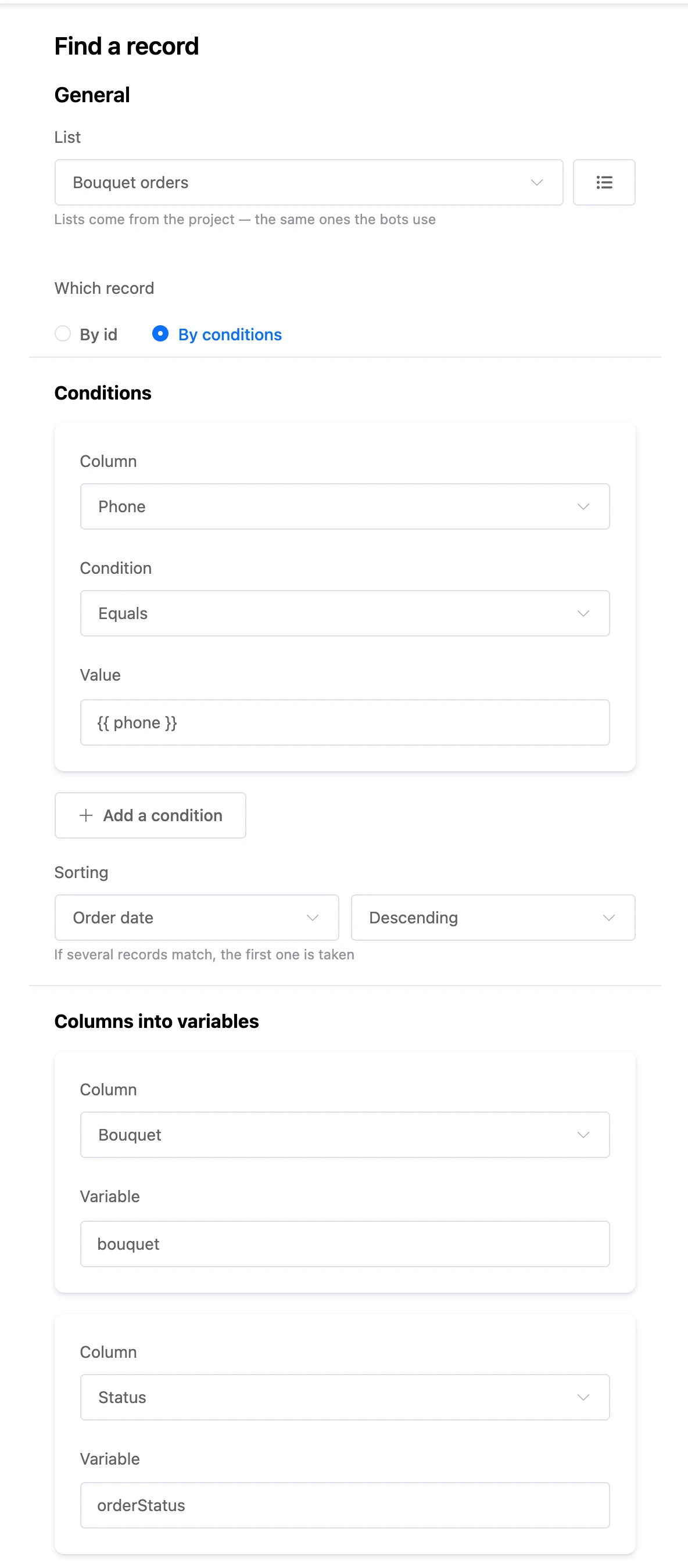
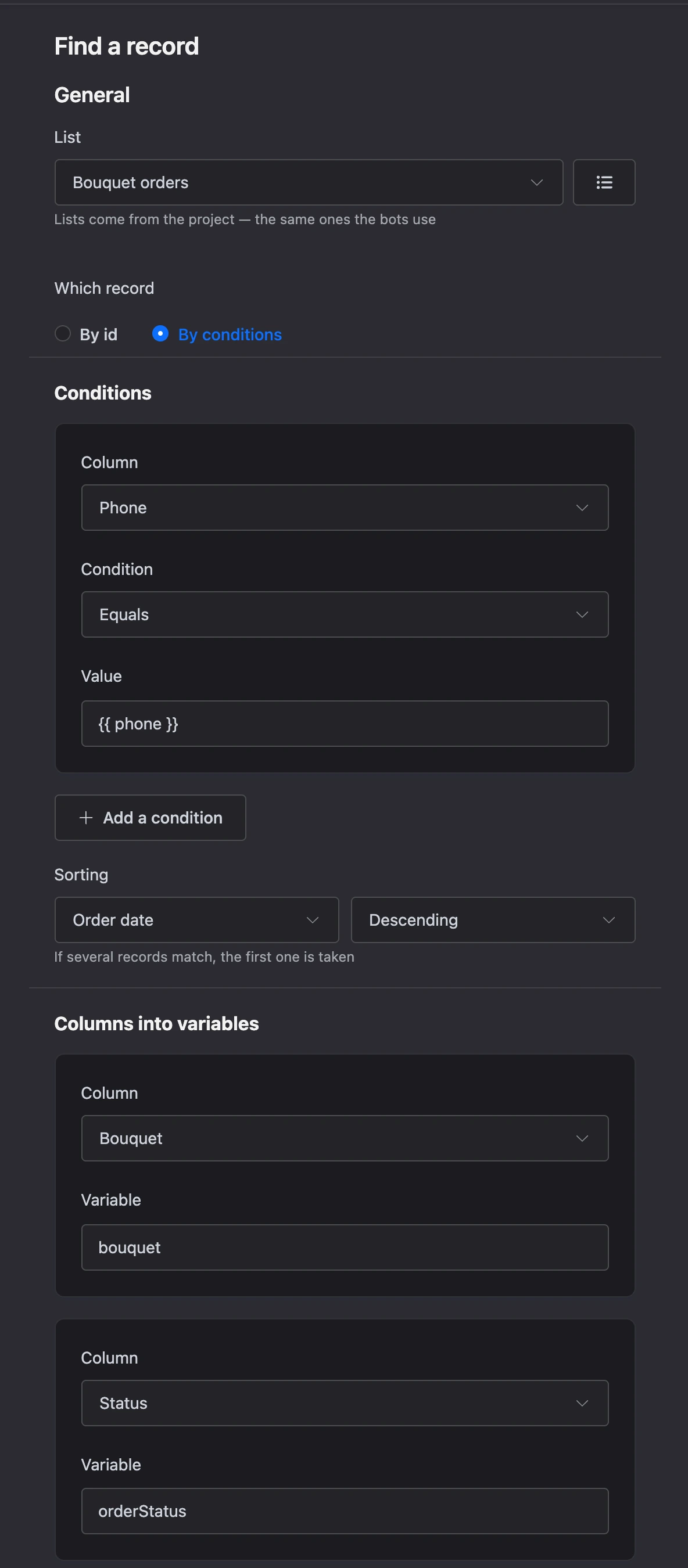
Settings
- "List".
- "Which record" — "By id" or "By conditions".
- "Sorting" — a column and "Descending" or "Ascending", when searching by conditions. If several records match, the first one is taken.
- "Columns into variables" — a column and a variable, up to 50. The value goes into the variable as text.
- "Behaviour": "Only the current user’s records" — off by default: you can search the whole list, for example a catalogue.
Exits
- "Found" — the record exists, the variables are filled.
- "Not found" — there is no matching record or the list is not selected.
Example
The "List records" element with "Tapping a record is an event" puts the id of the tapped record into a variable. From its exit — "Find a record" "By id" → "Found" → the record screen, where the columns are shown via {{ variables }}.
Without conditions and with sorting, the block takes the first record of the whole list — this way you can show, for example, the newest record.