

Contact tags
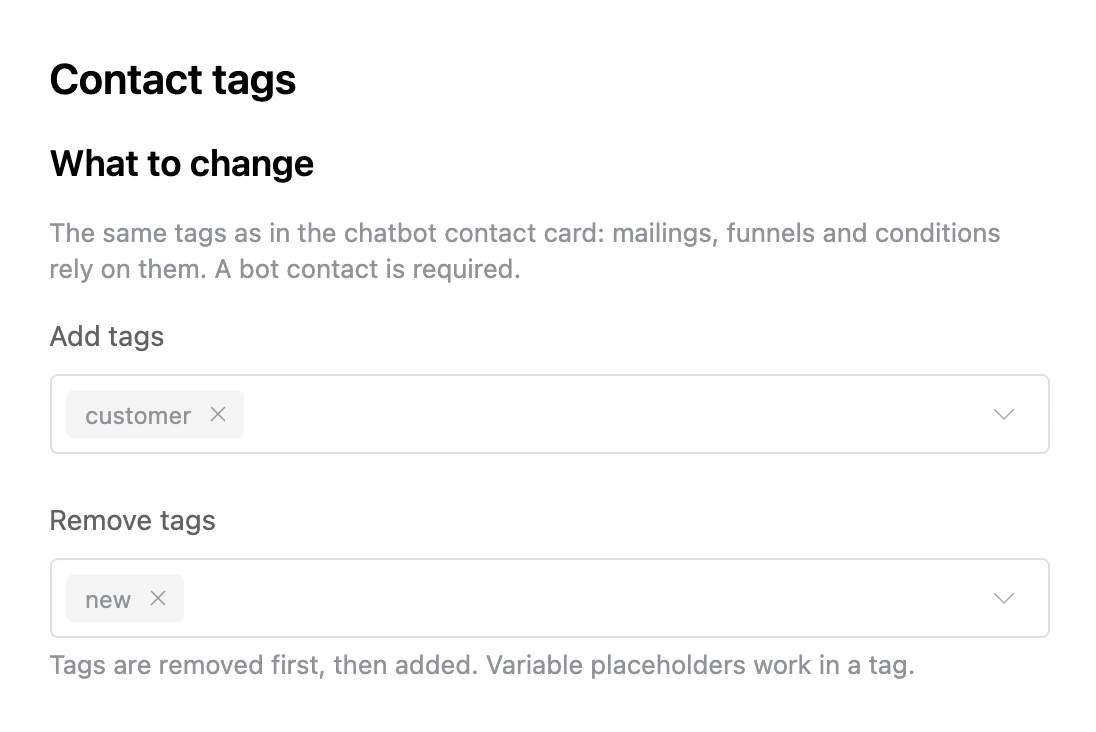
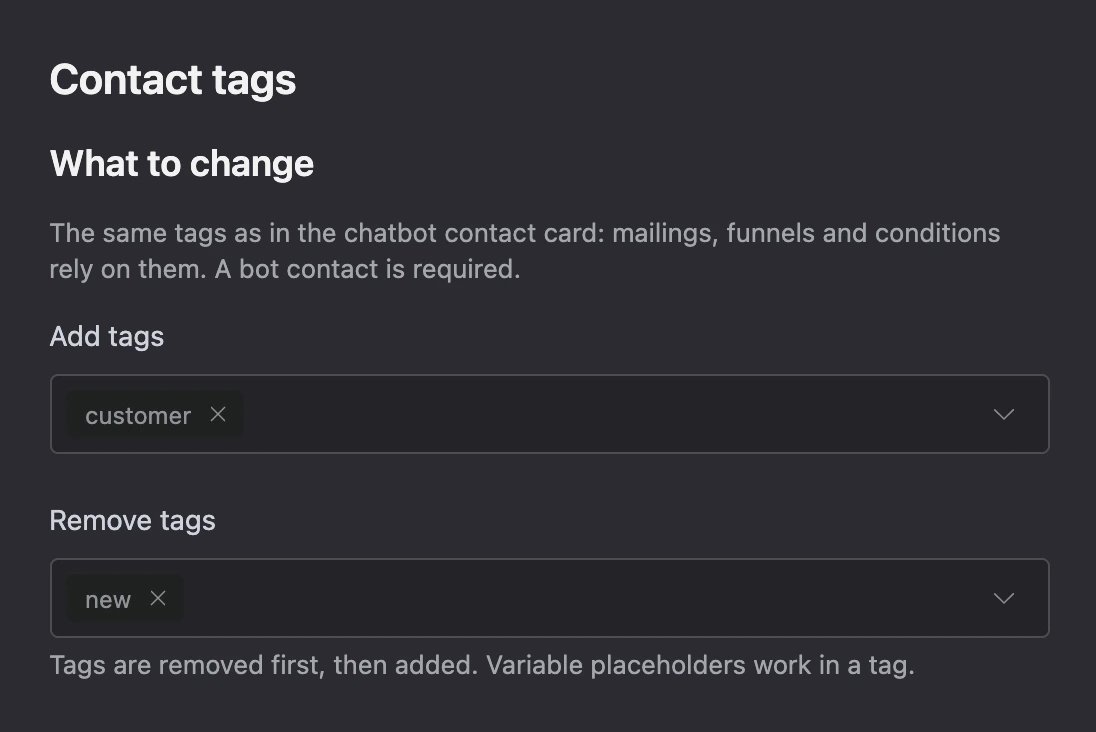
Adds and removes the contact's tags in the chatbot — the same ones as in the contact card. Mailings, funnels and bot conditions work with them: for example, those who bought in the app get the "customer" tag, and the newcomer mailing no longer reaches them.
Settings
- "Add tags" — type a tag and press Enter. Suggestions are the tags of the connected bots.
- "Remove tags".
Tags are removed first, then added. Variable placeholders work in a tag.
Exits
- "Done" — the tags are changed.
- "No contact" — the person has no bot contact or both lists are empty.
Specifics
- Up to 20 tags in each list at a time.
- The contact tags of the bot the app was opened from are changed.
- The app's own labels, which exist without a bot too, are set by the "User tags" block.