

Send a message
The block opens a dialogue between two contacts of the bot. The person who reached the block writes messages, and the bot forwards them to the other person. This way a buyer can get in touch with a seller, and a customer — with a contractor.
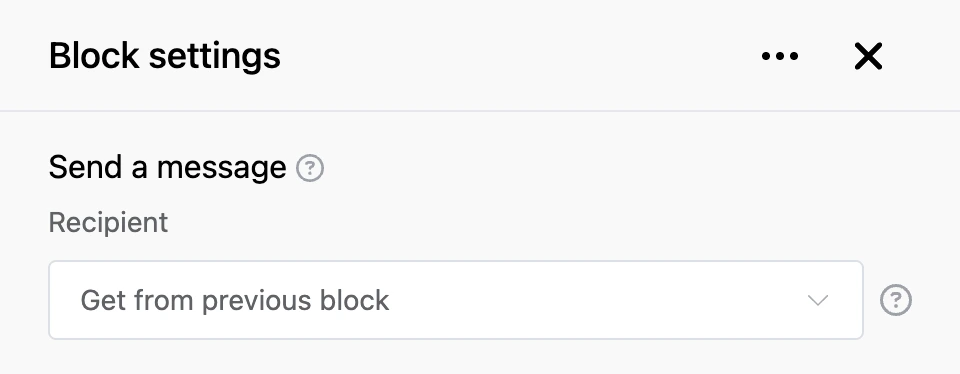
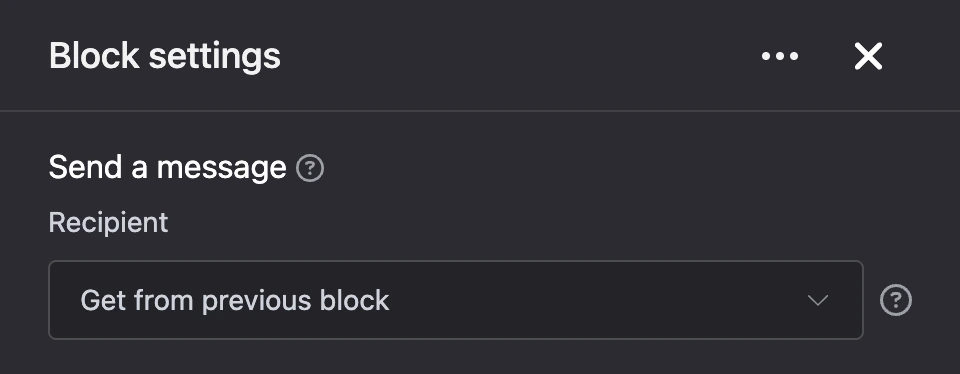
Settings
- "Recipient" — how to determine whom to write to:
- "Get from previous block" — the block expects to be passed the ID of a list entry. The contact linked to that entry becomes the other party.
- "Set manually" — choose a bot in the "Bot" field and a person in the "Contact" field.
How the dialogue goes
- The sender sees the message "Dialogue with user … is open." and the "Exit" button.
- Everything they write next is forwarded by the bot to the other person: text, pictures, files, audio and video.
- The other person receives the first message with a note saying who it is from and with the "Exit" button. Their replies come to the sender.
- To return to the bot, send the "Exit" command.
Outputs
- "Exit" — fires when the sender has ended the dialogue with the "Exit" command.
Good to know
- The other party can only be a contact of your bots.
- If the other party is not found, the person sees "Interlocutor not found" or "The interlocutor from the list was not found", and the dialogue does not open.