

Booking rules and free time
Booking rules determine which times the platform offers a client and what it asks them when they book. In the branch menu, open "Settings" → "Booking rules". The rules can be changed by the project owner or a team member with the "Configure branches" permission.
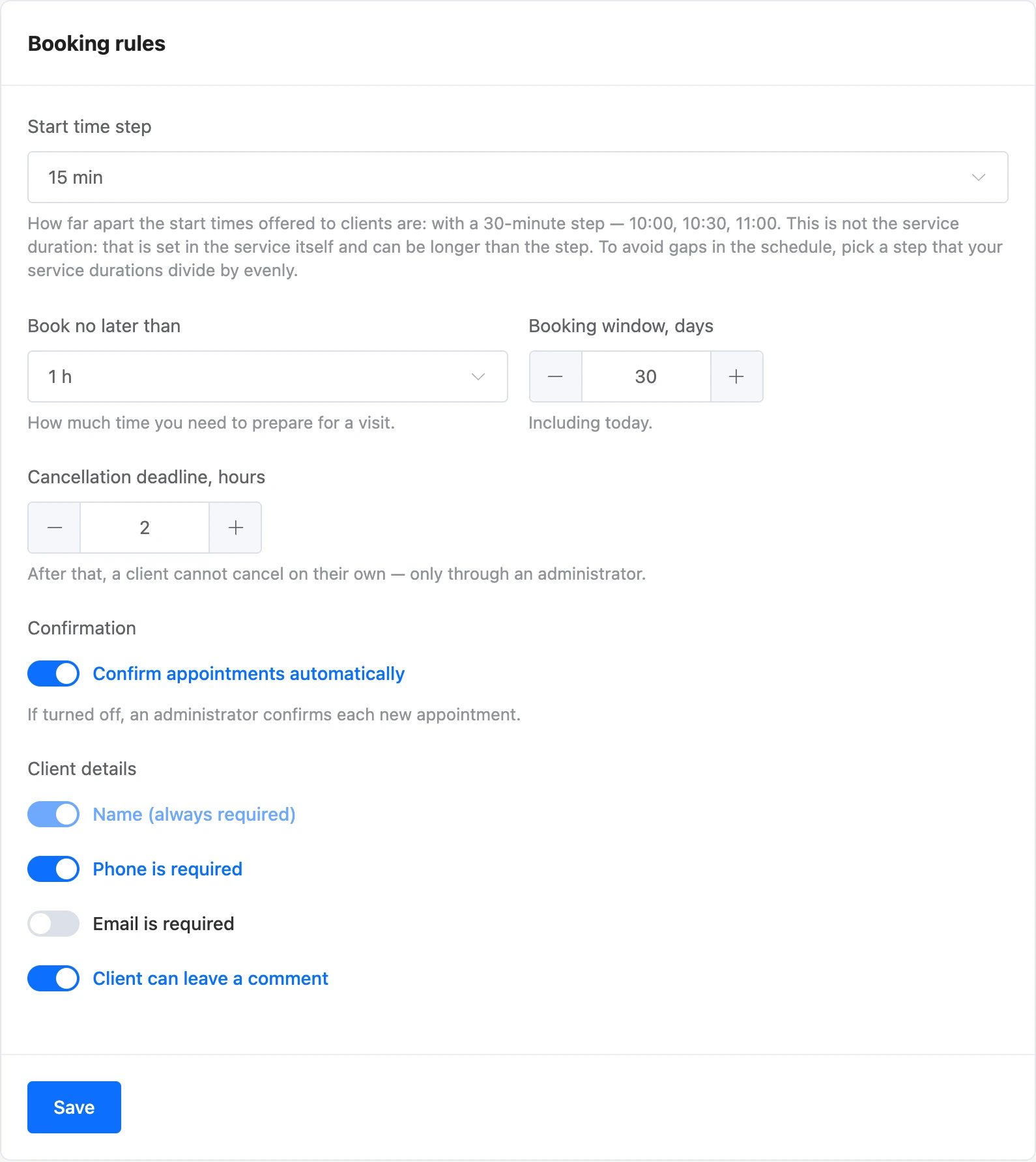

Settings
| Setting | What it means | For a new branch |
|---|---|---|
| "Start time step" | How far apart the start times offered to the client are: with a 30-minute step — 10:00, 10:30, 11:00. Options — from 5 minutes to 2 hours | 15 min |
| "Book no later than" | How much time must be left before the visit. Options — from "No limit" to 48 hours | 1 h |
| "Booking window, days" | How many days ahead clients can book, including today. From 1 to 365 | 30 |
| "Cancellation deadline, hours" | Until when the client can cancel or reschedule the appointment on their own. From 0 to 720 | 2 |
| "Confirm appointments automatically" | On — the client's appointment immediately gets the "Confirmed" status. Off — "New", and an administrator confirms it | On |
| "Phone is required" | The client cannot book without a phone | On |
| "Email is required" | The client cannot book without an email | Off |
| "Client can leave a comment" | Whether to show the client the comment field | On |
The client's name is always required. Click "Save" to apply the rules.
Note
The time step is not the service duration. The duration is set in the service itself and can be longer than the step. To avoid gaps in the schedule, choose a step that your service durations divide by evenly.
How free time is calculated
The client sees only the times they can actually book. The platform checks them step by step.
- Working time. The specialist's working day is taken from the schedule: hours by the template or set manually for that day. Breaks are subtracted from it.
- A grid by the step. Start times are multiples of the step, counting from midnight. If the specialist works from 10:10 and the step is 15 minutes, the first bookable time is 10:15.
- The service fits entirely. The visit must end before the end of the working day or the start of a break. The duration is taken from the service, or the specialist's own duration if it is set.
- The time is not taken. Time is taken by other appointments with this specialist together with the break after the service. Appointments in the "New", "Confirmed" and "Attended" statuses hold time. Canceled appointments and appointments with the "No-show" status free it.
- The break after the service does not block the next client. If the service has a "Break after the service", it must not overlap the next appointment. It may run past the end of the working day or into the specialist's break.
- Not too soon and not too far. The time is no earlier than the "Book no later than" deadline and no further than the days set in "Booking window, days".
- The specialist accepts clients. Only specialists with "Accepting clients" turned on and the chosen service checked are counted. A turned-off service cannot be booked.
All calculations are done in the branch's time zone.


Any specialist
If the client does not choose a specialist, a time is shown when at least one suitable specialist is free. The appointment goes to the one who has fewer appointments that day.
Several services per visit
An administrator can book a client for several services with one specialist at once. The durations add up, and the break after the visit is the longest of these services' breaks.
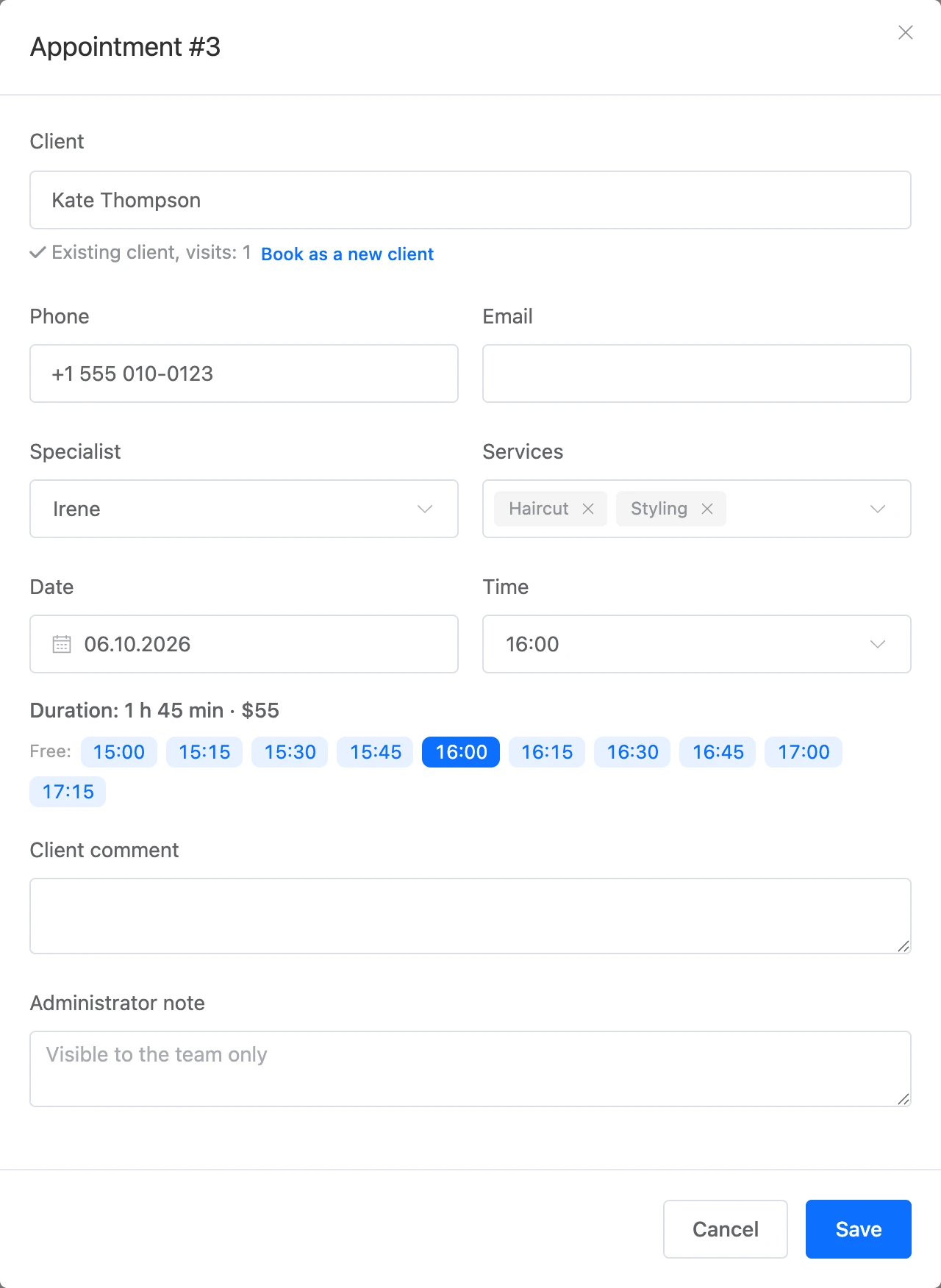
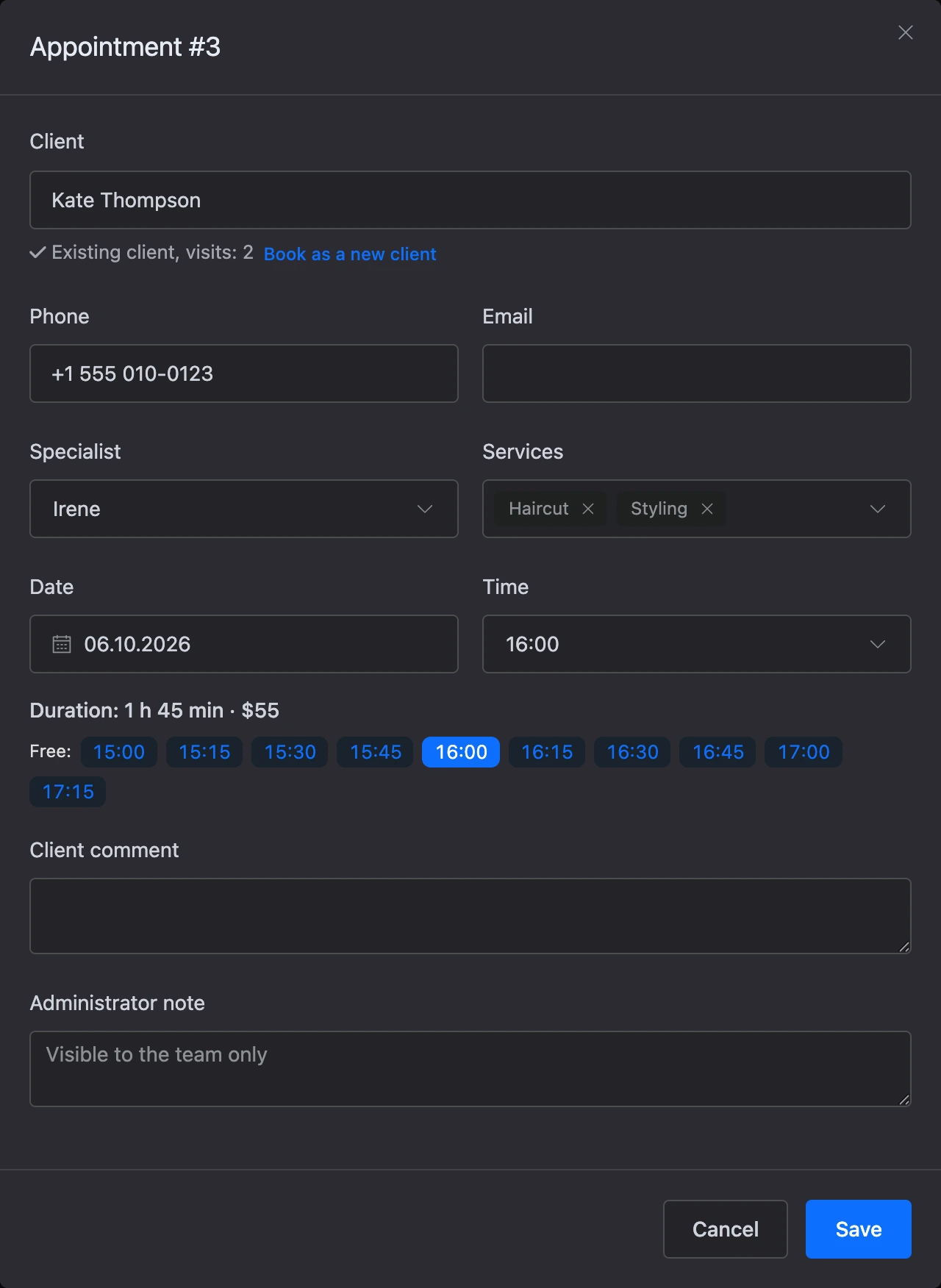
What an administrator can do
Booking from the journal is less restricted than booking by a client:
- the time is chosen with five-minute precision, not by the branch step;
- the "Book no later than" deadline and the number of days ahead do not apply;
- you can book outside the specialist's schedule — the platform will ask for confirmation.
One restriction always applies: there cannot be two appointments with the same specialist at the same time.
What is restricted for the client
- The client can cancel or reschedule an appointment no later than the deadline from the rules. After that — only through an administrator; if the branch has a phone, the client is offered to call.
- One person can have no more than 5 upcoming appointments across all branches of the project.
If something does not work
- The client sees "No free time". Check in order: whether the specialist has a schedule for these days; whether "Accepting clients" is on and the service is checked; whether the service is longer than the working time between breaks; whether the "Book no later than" deadline is too long. You can see the times as the client does with the "Free time" button in the schedule.
- Clients cannot book far-off dates. Increase "Booking window, days".
- Short gaps remain in the schedule. The time step does not divide the service durations. For example, with 45-minute services, choose a 15- or 45-minute step, not 30.
- "This time is already taken for the specialist." There is another appointment at this time, or the break after the previous service falls on it.