

Phone number request
Asks the person for a phone number and saves it to the contact's data. After that you can insert the number into messages as {{ phone }}.
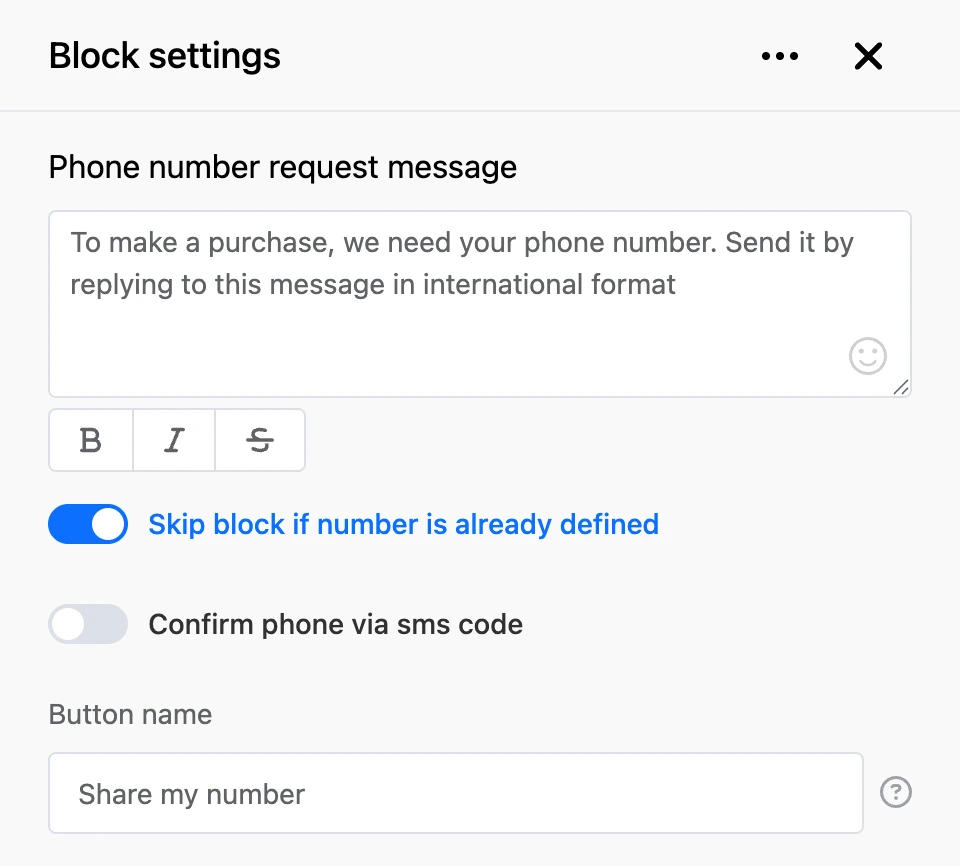
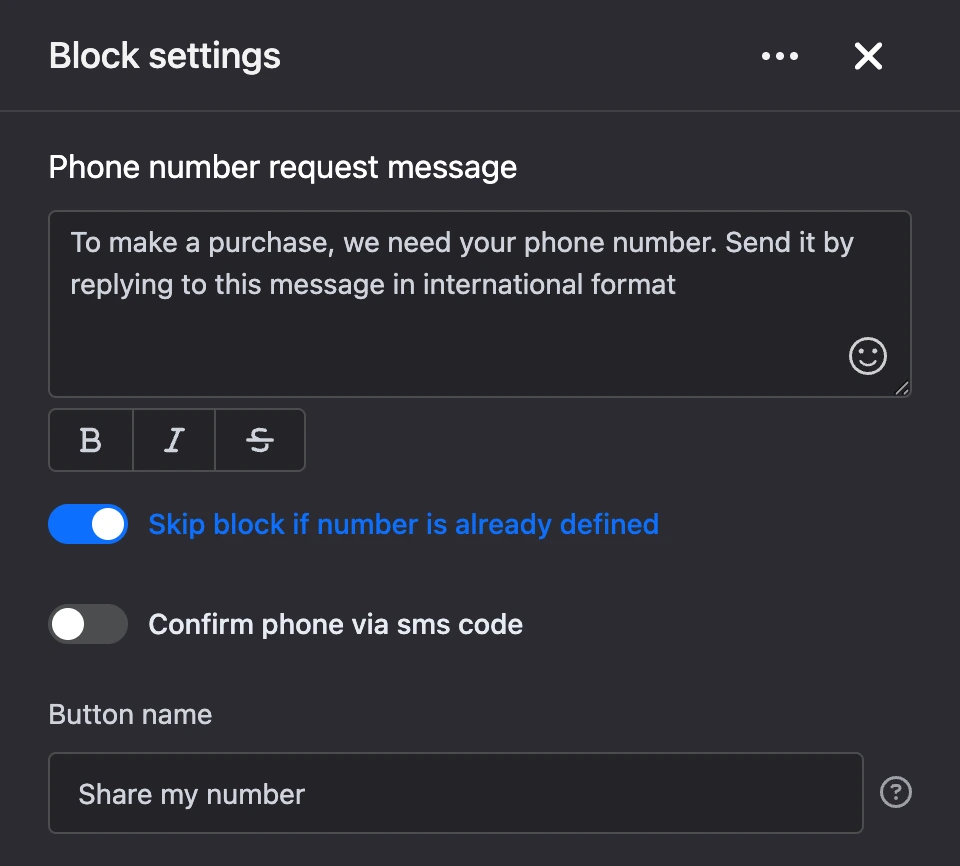
Settings
- "Phone number request message" — the text of the request, up to 1000 characters. If you leave it empty, the bot sends a standard request to enter the number in international format.
- "Skip block if number is already defined" — if the contact's phone is already known, the bot asks nothing and moves on right away. On by default.
- "Confirm phone via sms code" — the bot sends a code to the number and asks the person to send it to the chat.
- "SMS provider" — the service that will send the code: "Sms.ru (sms)", "Sms.ru (call)", "SMS.to" or "SMSala". The field appears when confirmation is on. The chosen provider must be connected in the bot's integrations section.
- "Button name" — the label of the button the person shares their number with, up to 30 characters. If you leave it empty, the button will be called "Send phone number".
Outputs
- "Continue" — the number has been received and, if confirmation is on, also confirmed with a code. The bot follows the same output when the block is skipped.
Good to know
- In Telegram and MAX a button appears under the request — the person sends the number with one tap. In VK, Viber and the web chat the person types the number themselves.
- The number can be written with "+", spaces, brackets and hyphens; it must contain 10 to 16 digits. If the reply does not look like a number, the bot repeats the request.
- With confirmation, the bot sends a code and waits for it in the chat. The code is valid for 3 minutes. Under the message there is a "Back" button — it returns to entering the number. With the "Sms.ru (call)" provider, the person gets a call instead of an SMS, and the code is the last 4 digits of the number the call came from.
- One contact can request no more than 10 codes per hour.
Warning
If confirmation is on but the provider is not connected, the person gets a message saying an SMS provider must be connected instead of the request. Check the block in the "Bot test" window before launch.