

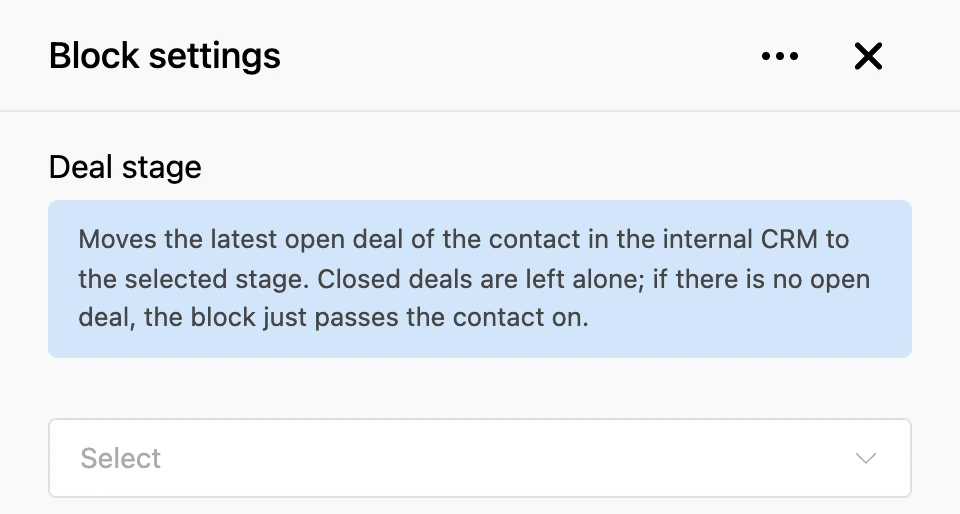
Deal stage
The block moves the contact's deal in the built-in CRM to the chosen stage. It works with the latest open deal: it does not touch closed deals, and if there is no open one, it changes nothing and passes the contact on.
A deal is created by the "Request" block with the "Built-in CRM" channel turned on. Place "Deal stage" where the state of the deal really changes: the customer has paid, booked or declined.
Settings
- List of stages — choose the stage the deal moves to. The list contains the stages of the bot's pipeline from the "CRM" section. While the bot has no pipeline, the list is empty.
Outputs
- "Continue" — always fires, even if no open deal was found.