

Top up a contact's account
A contact can have an internal account in the bot — a balance the bot itself keeps: bonuses, points, a deposit. This is bookkeeping inside the bot, not a wallet in a payment system. A separate account is kept for each currency. The contact's accounts are shown in their card, in the "Accounts" section; you can show the balance in a message with the getBalance function — it is described on the Function reference page.
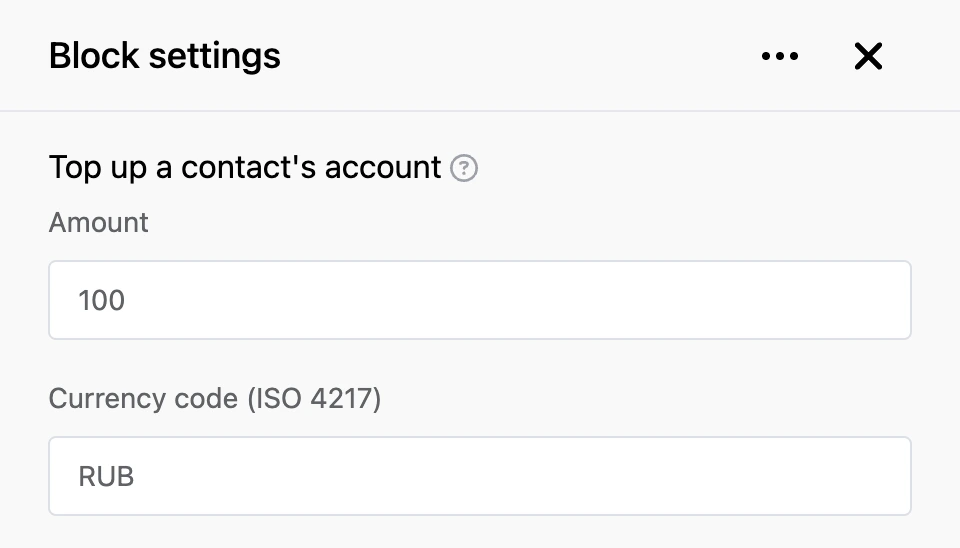
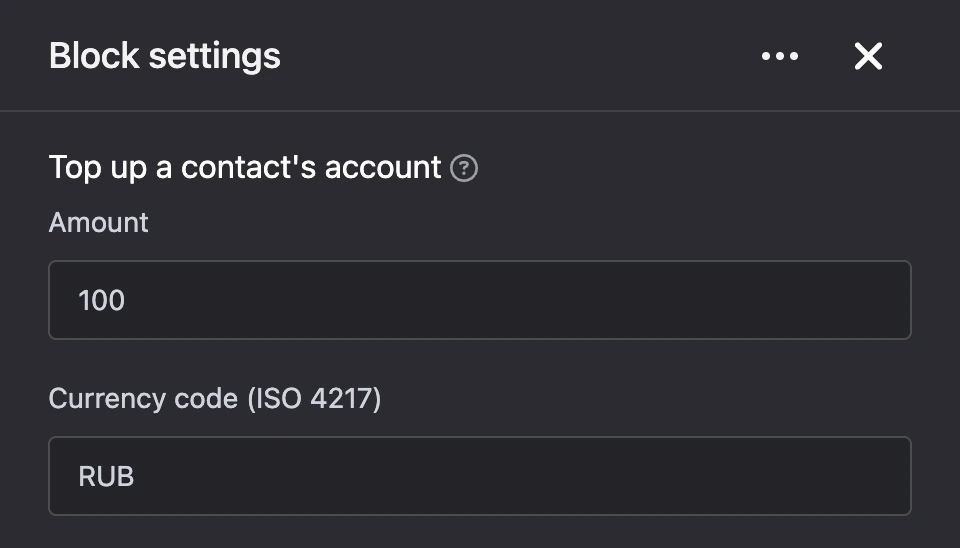
The block adds an amount to the contact's account. If there is no account in this currency yet, the block opens one.
Settings
- "Amount" — how much to add. You can enter a number or a template, for example a variable with the amount. A negative amount takes money off the account.
- "Currency code (ISO 4217)" — the three-letter currency code of the account, for example
RUB,USD,EUR.
Outputs
- "Continue" — the bot moves on after the top-up.
Good to know
- If the amount is zero, the account does not change, and the bot moves on.
- If the amount is negative and there is not enough money on the account, the block takes nothing off, sends the person the message "Not enough funds on the balance" and stops the scenario — the bot does not follow the "Continue" output. When you need your own continuation for this case, use the "Debit a contact's account" block.