

Date and time
Picking a date, time or month: a delivery date, a call time, a birth month. The choice goes into the variable.
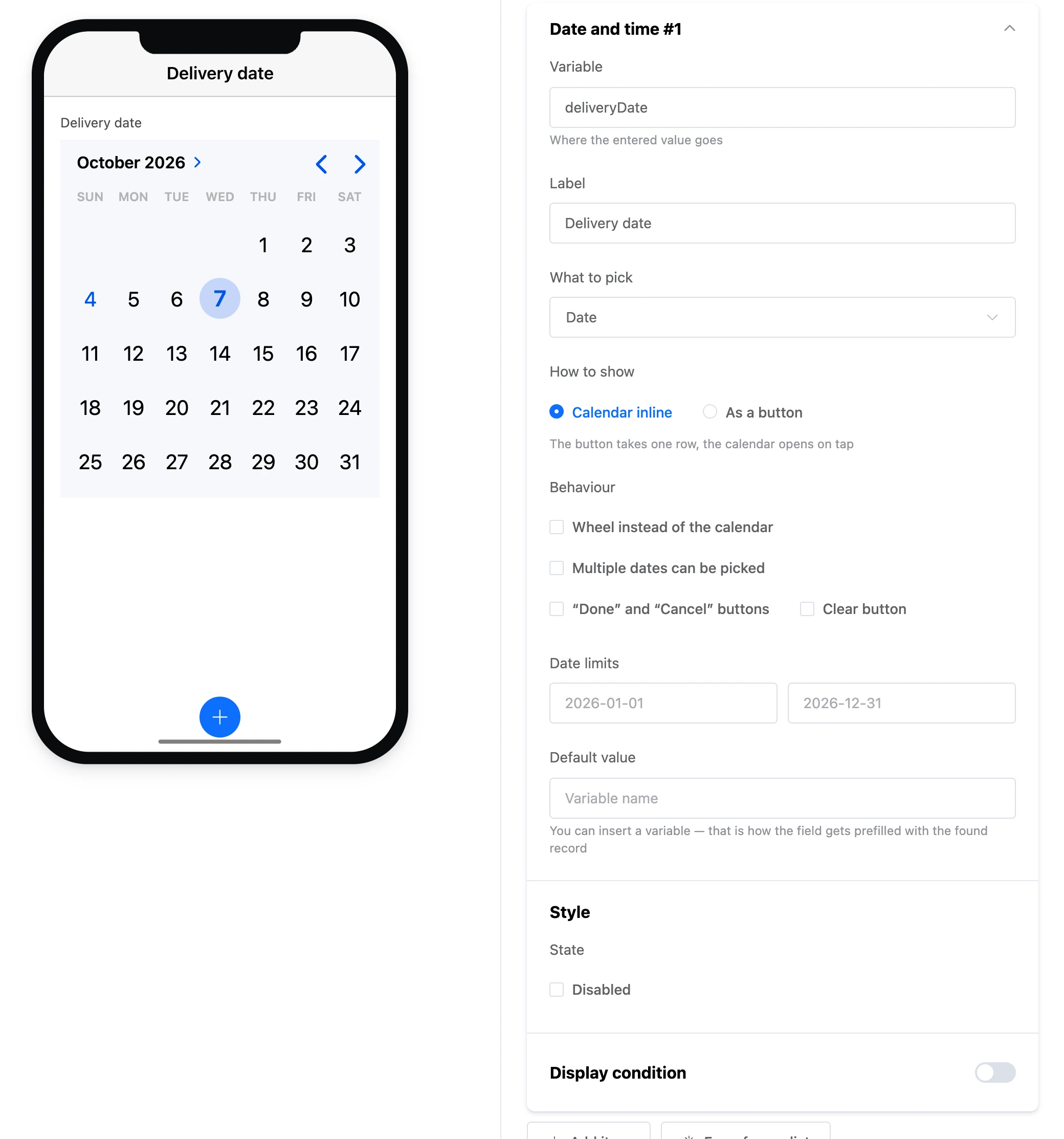
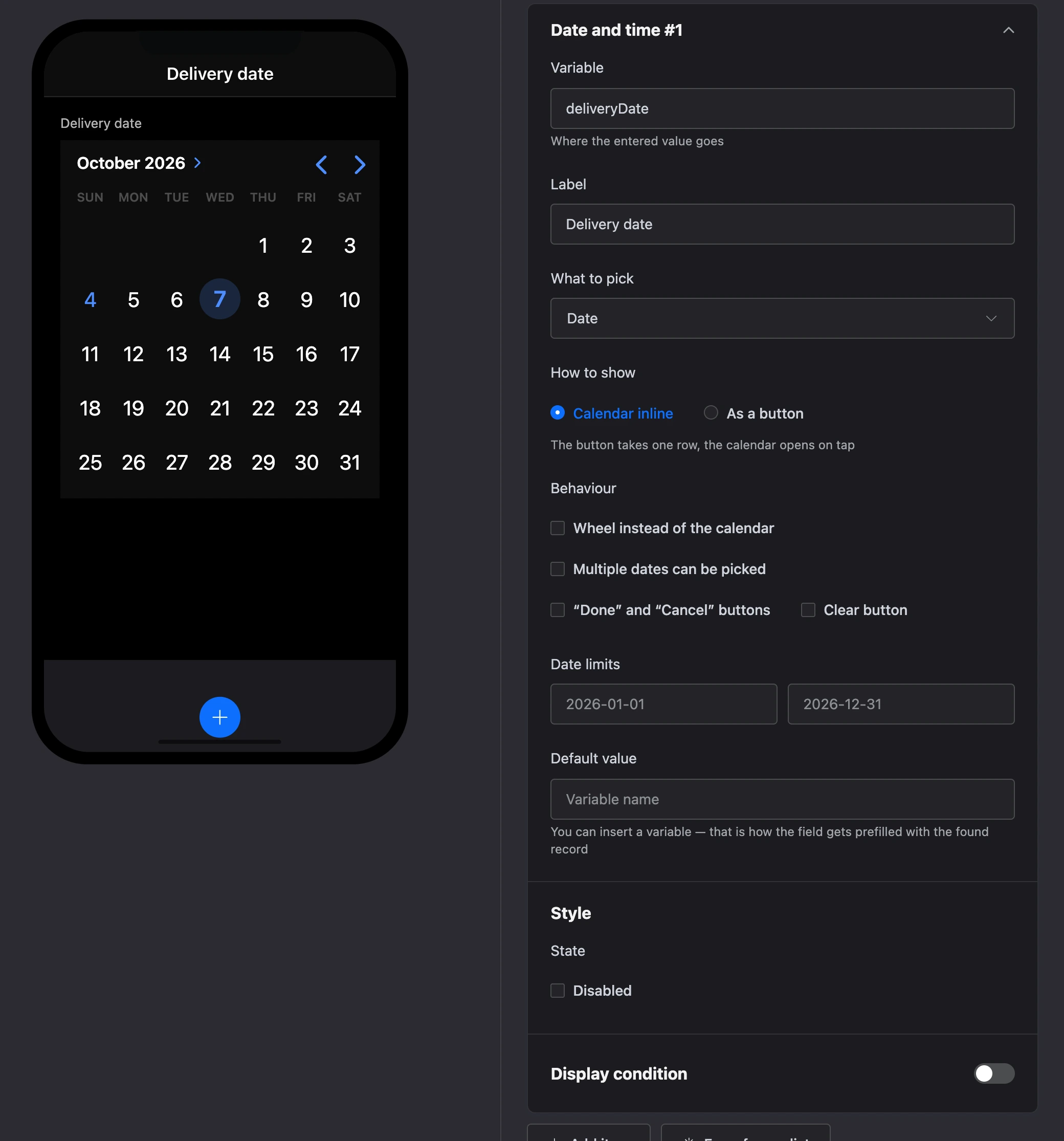
Settings
- "Variable", "Label", "Default value" — as for all fields.
- "What to pick" — "Date", "Time", "Date and time", "Month and year".
- "How to show" — "Calendar inline" or "As a button". The button takes one line, and the calendar opens on a tap.
- "Behaviour":
- "Wheel instead of the calendar" — the date is turned with drums, as in an alarm clock;
- "Multiple dates can be picked" — several dates go into the variable as one comma-separated string;
- "“Done” and “Cancel” buttons" — the choice applies with a button, not at once;
- "Clear button" — resets the choice.
- "Date limits" — the earliest and the latest date, for example
2026-01-01and2026-12-31. Dates outside the limits cannot be picked. - "State" — "Disabled".