

Toast
A pop-up bar over the screen that fades by itself: "Order saved", "Enter your phone". A toast does not stop the scenario: the bar pops up, and the app immediately goes on through the "Continue" exit.
Settings
General
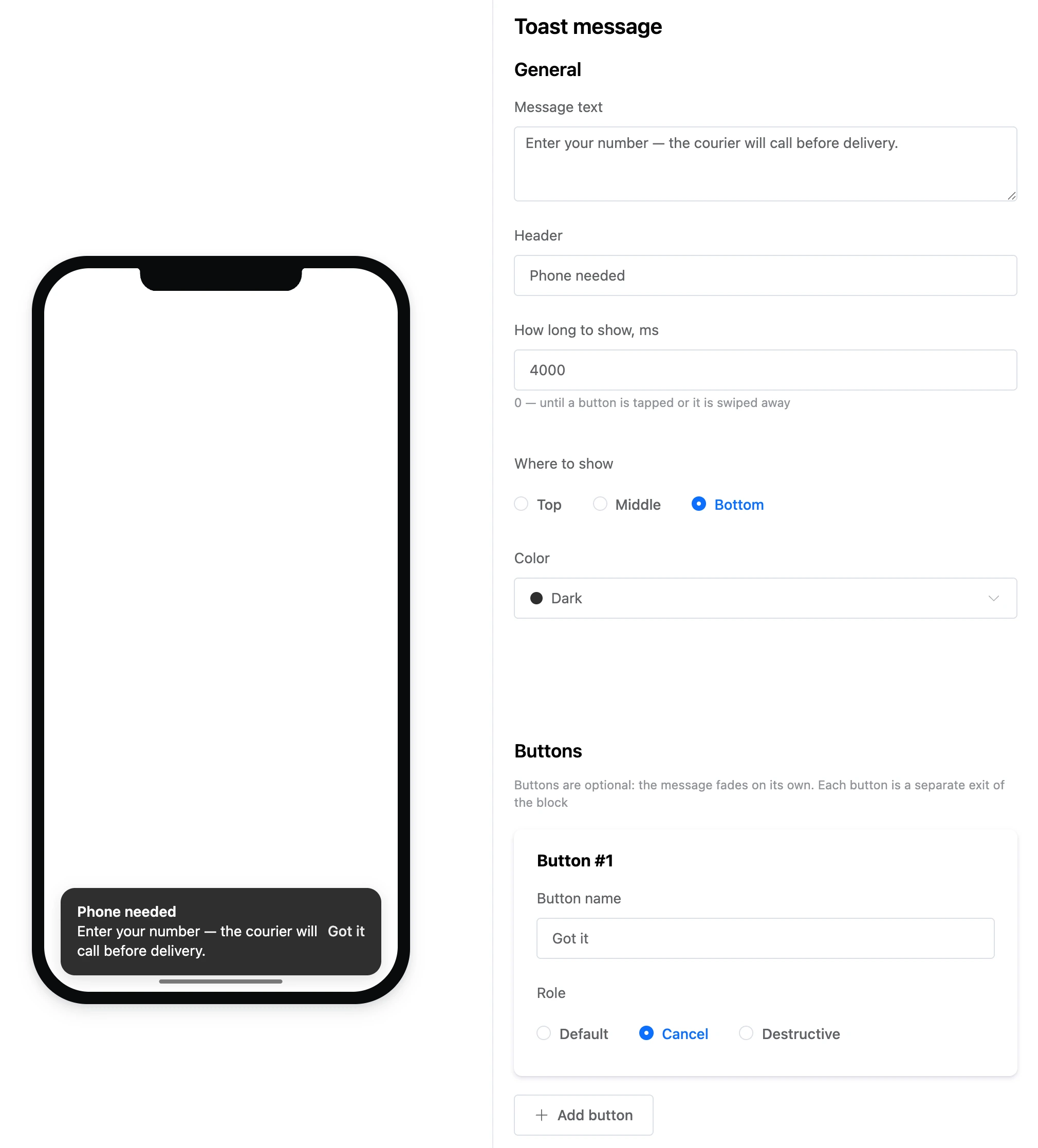
- "Message text" and "Header".
- "How long to show, ms" — up to 60,000. 0 — until a button is tapped or it is swiped away.
- "Where to show" — "Top", "Middle" or "Bottom".
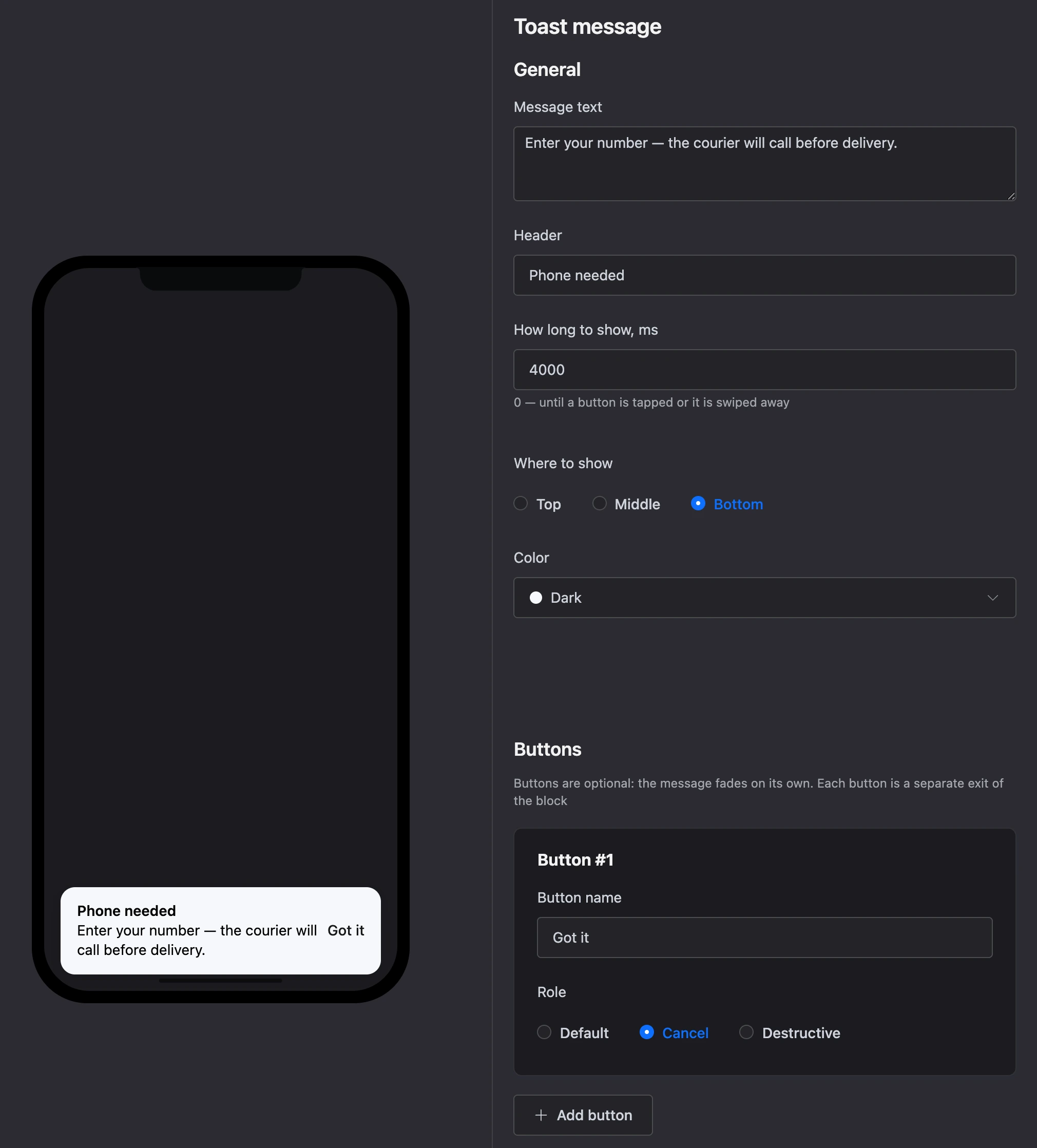
- "Color" — from the app palette.
Buttons — optional: the message fades on its own. A button has a "Button name" and a "Role".
Exits
- "Continue" — fires as soon as the bar is shown.
- Each button is a separate exit: it fires if the person taps it while the bar is visible.
Specifics
- A toast fits well after a block without a screen: for example, "Condition" → "No" → a "Toast" saying "Enter your phone" — the person stays on the form screen and sees the hint.
- No more than two buttons.