

Map
A map with a point and a directions button: where the shop is, where to come for an appointment, where the pickup point is. No key is needed for the maps.
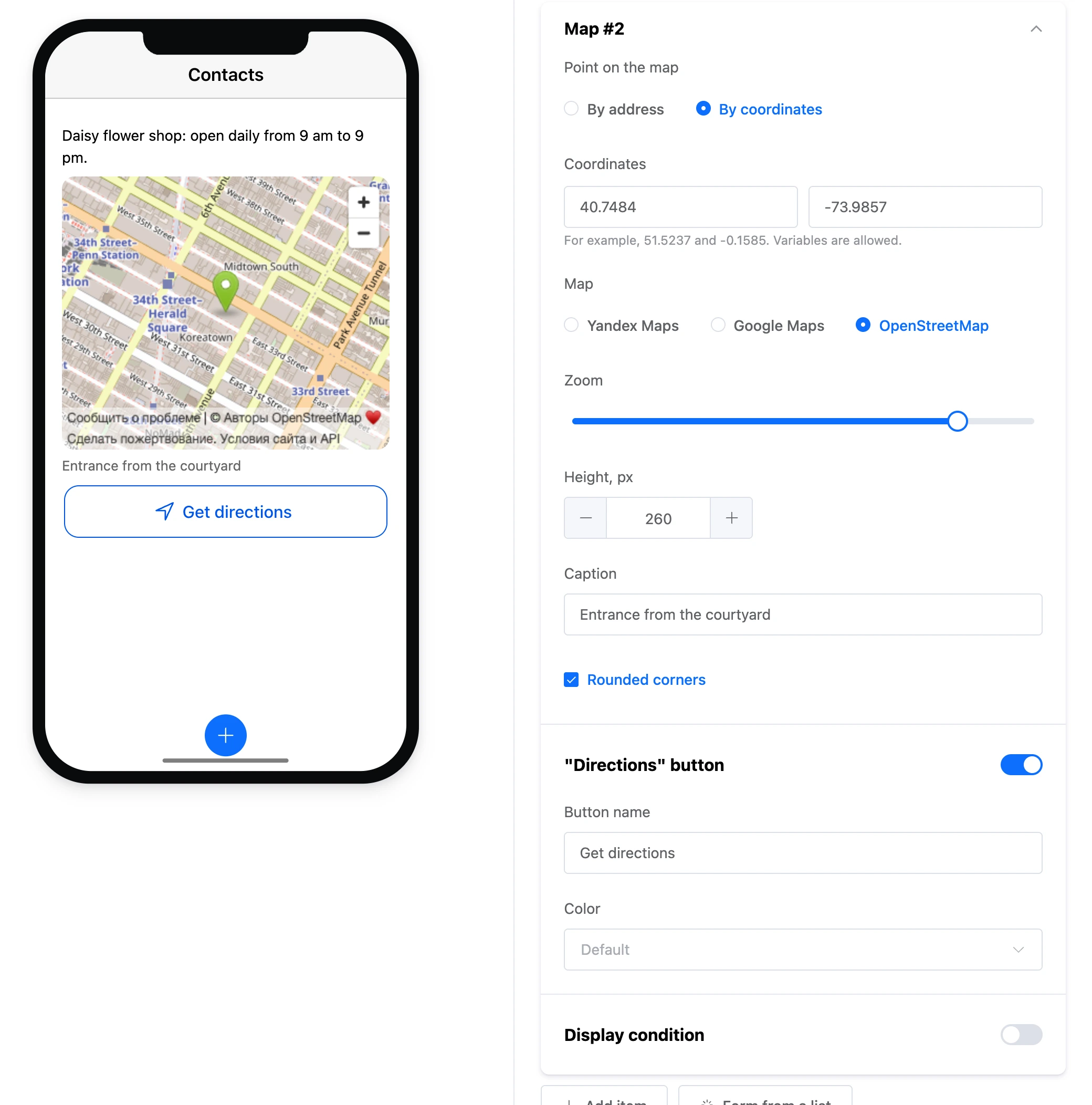
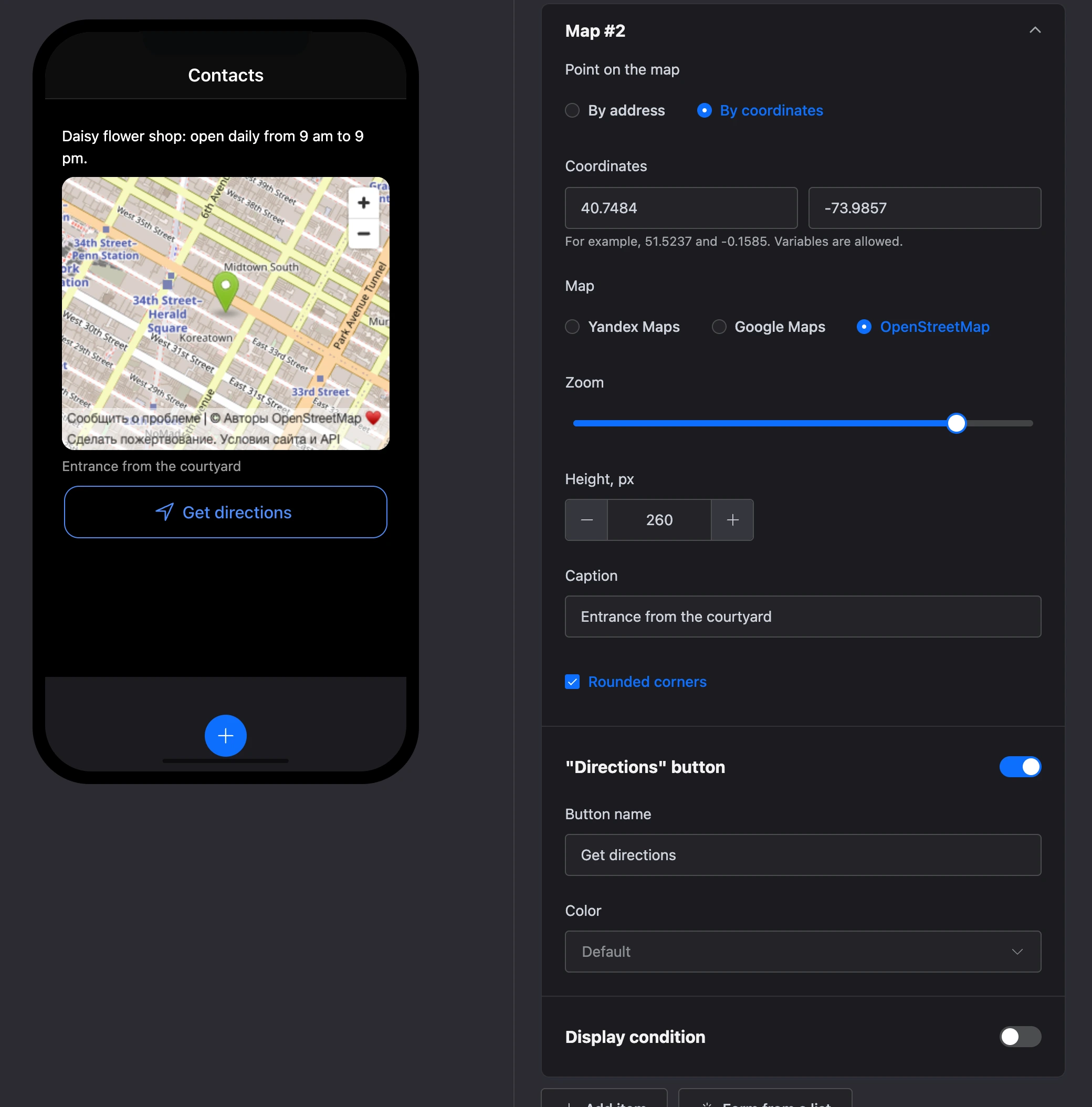
Settings
- "Point on the map" — "By address" (the "Address" field) or "By coordinates" — "Latitude" and "Longitude", for example 40.7484 and -73.9857. You can insert variables into the address and coordinates — for example, a branch address from a list record.
- "Map" — "Yandex Maps", "Google Maps" or "OpenStreetMap". OpenStreetMap searches by coordinates only.
- "Zoom" — from 1 to 19. A new map has 16.
- "Height, px" — from 120 to 600.
- "Caption" — text under the map: entrance from the courtyard, floor, landmark.
- "Rounded corners" — the map's corners are rounded.
- "Directions" button — the switch of the button under the map, its "Button name" (if empty — "Get directions") and "Color". A tap opens route planning in the chosen map.
On the scheme, a placeholder with the address or coordinates is shown instead of the map: live maps are not loaded on the scheme. The real map is visible in the screen editor and in the app.
A map has no exits: taps on the map and on the directions button do not move the scenario.