

Start
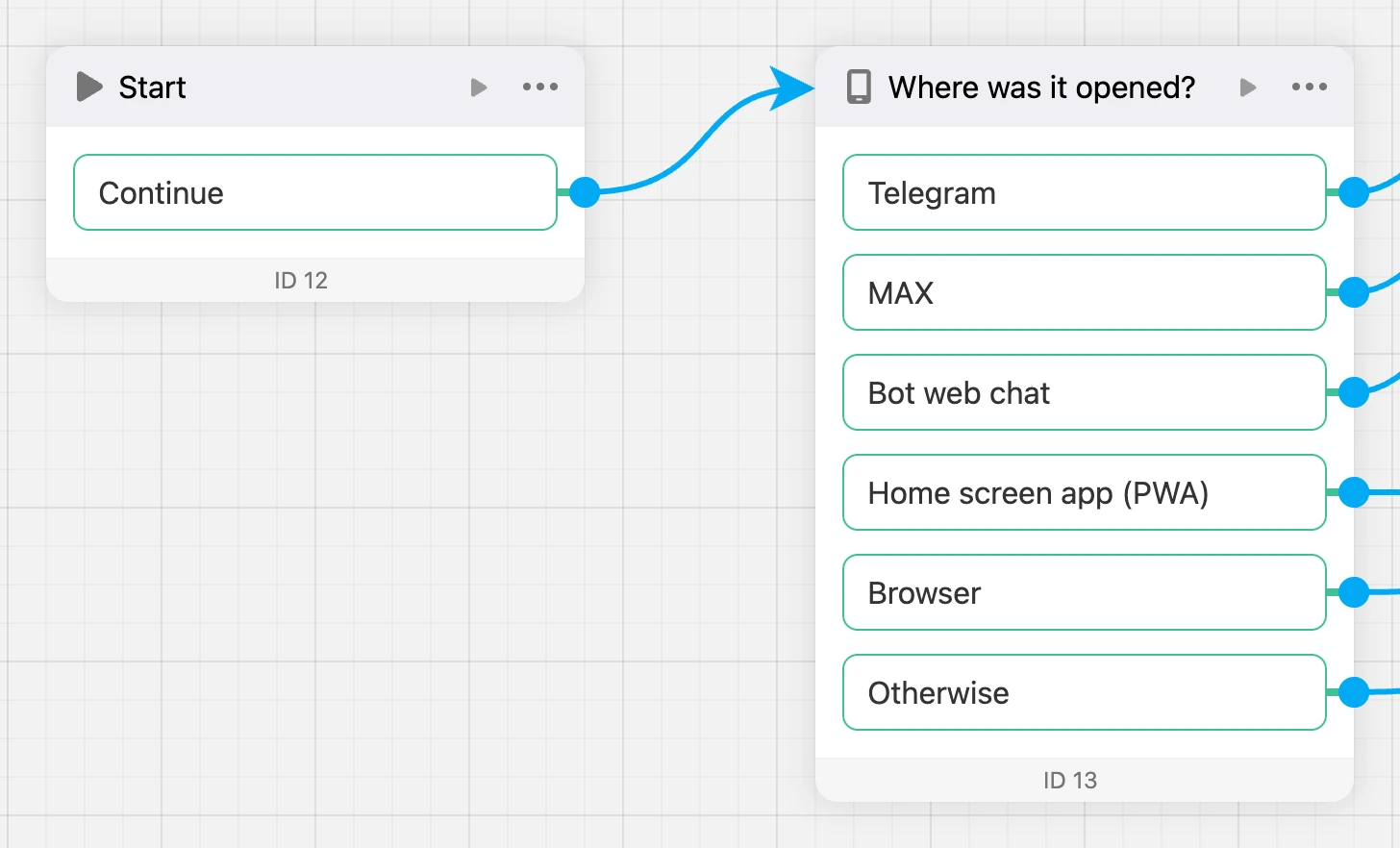
An empty block with a single "Continue" exit. A handy starting point for the app: from it you can send people down different branches right away — for example, to the "Launch source" or "Condition" block, even before the first screen.
Settings
There are no settings.
Exits
- "Continue" — fires as soon as the app reaches the block.
Specifics
- In a new app the start block is "Start" linked to the first screen. The start block is marked with the "Start" badge.
- To make another block the start one — block menu → "Set as start block". The start block can be a "Start" or a "Screen".