

Incoming webhook
The block receives a request from a third-party service and runs your JavaScript code. This way the scenario can continue on an outside event: a payment arrived, an order status changed, a sensor went off.
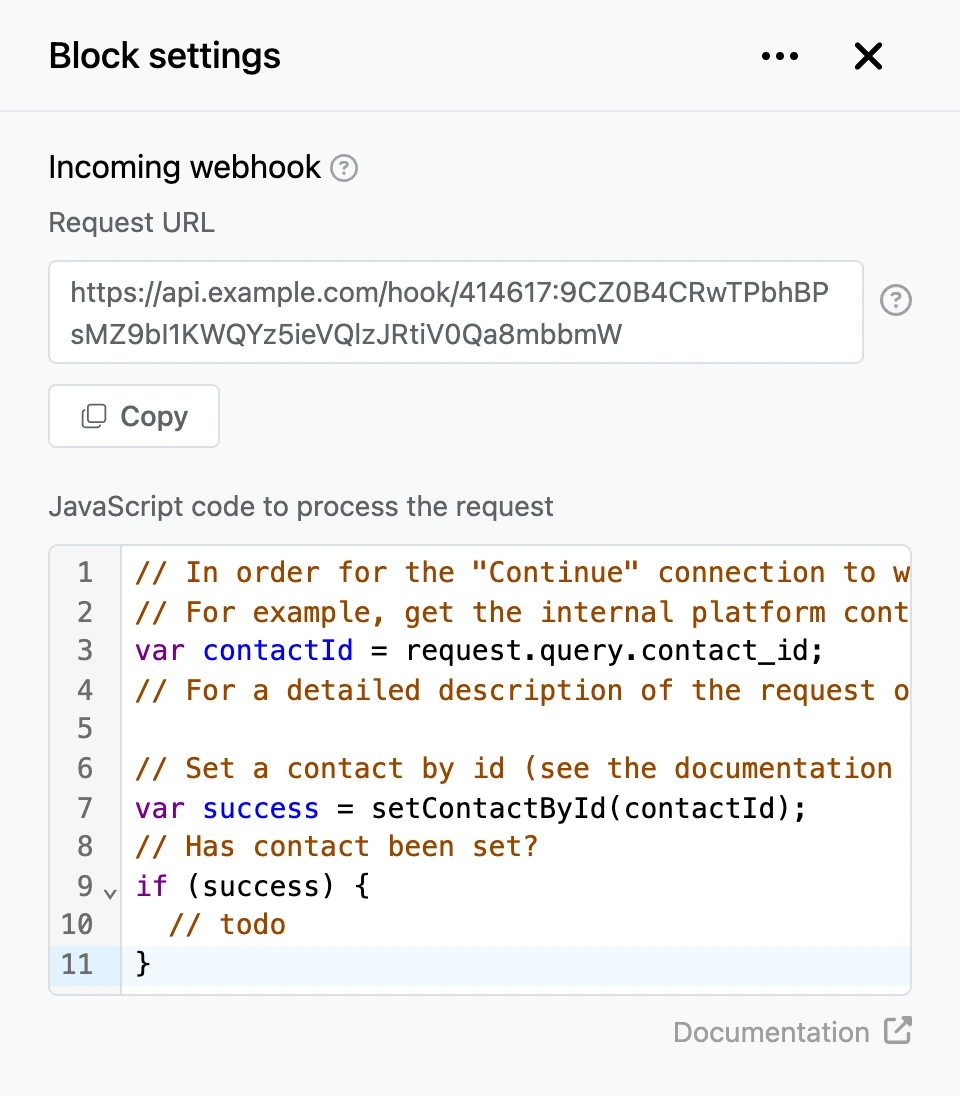
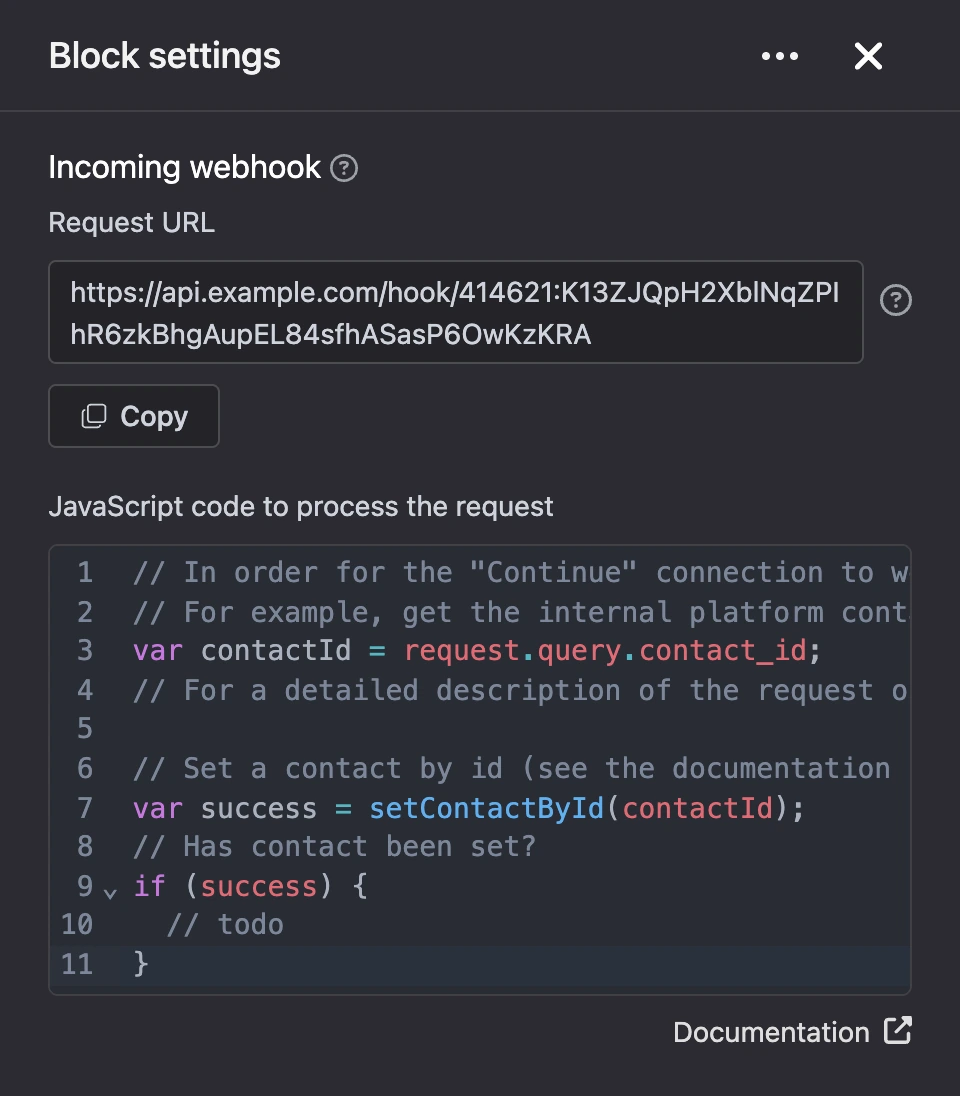
No connections lead into this block from other blocks: it is started only by a request.
Settings
- "Request URL" — the address to call. It is issued to the block when it is created and looks like this:
https://api.<platform domain>/hook/<block ID>:<secret key>. Any method works —GET,POSTand others. - "JavaScript code to process the request" — the code that runs on every request, up to 16,384 characters.
Warning
The address contains a secret key. Anyone who knows the address can run your code — do not publish it.
What the code receives
The request is in the request object:
| Field | What it holds |
|---|---|
request.query |
Parameters from the query string |
request.headers |
Request headers, names in lower case |
request.body |
The request body as a string, as it arrived |
request.data |
All request parameters together: from the query string, the form and a JSON body |
See Built-in variables for more on the fields and on how to verify a request signature.
The request does not come from a person, so the code itself must say which contact it runs for. There are functions for that:
| Function | How it finds the contact |
|---|---|
setContactById(id) |
By the contact's ID on the platform |
setContactByTelegramId(id) |
By the person's ID in Telegram |
setContactByMaxId(id) |
By the person's ID in MAX |
setContactByVkId(id) |
By the person's ID in VK |
setContactByViberId(id) |
By the person's ID in Viber |
Each function is described in detail on the Choosing a contact page.
The function returns true if the contact is found among this bot's contacts, and false if not. Such a function can be called once per request. At least one of them must be in the code — otherwise the block responds with an error and the code does not run.
Once the contact is found, the code can use the contact's data (id, name, phone and the rest) and all functions of the "JavaScript interpreter" block: variables, tags, sendMessage, goToBlock, disableContinue.
var contactId = request.query.contact_id;

if (setContactById(contactId)) {
    setContactVariable('order_status', request.data.status);
    sendMessage('The status of your order has changed.');
}
For the external service to know the contact's ID, pass it in advance — for example, with an "HTTP request" block and the template {{ id }}.
Important
If the contact is not found, the code runs but saves nothing: variables, tags and global variables are not written, messages are not sent, and the "Continue" connection does not fire.
Outputs
- "Continue" — fires after the code has run, if the contact is found and the code did not call
disableContinue().
What the block responds with
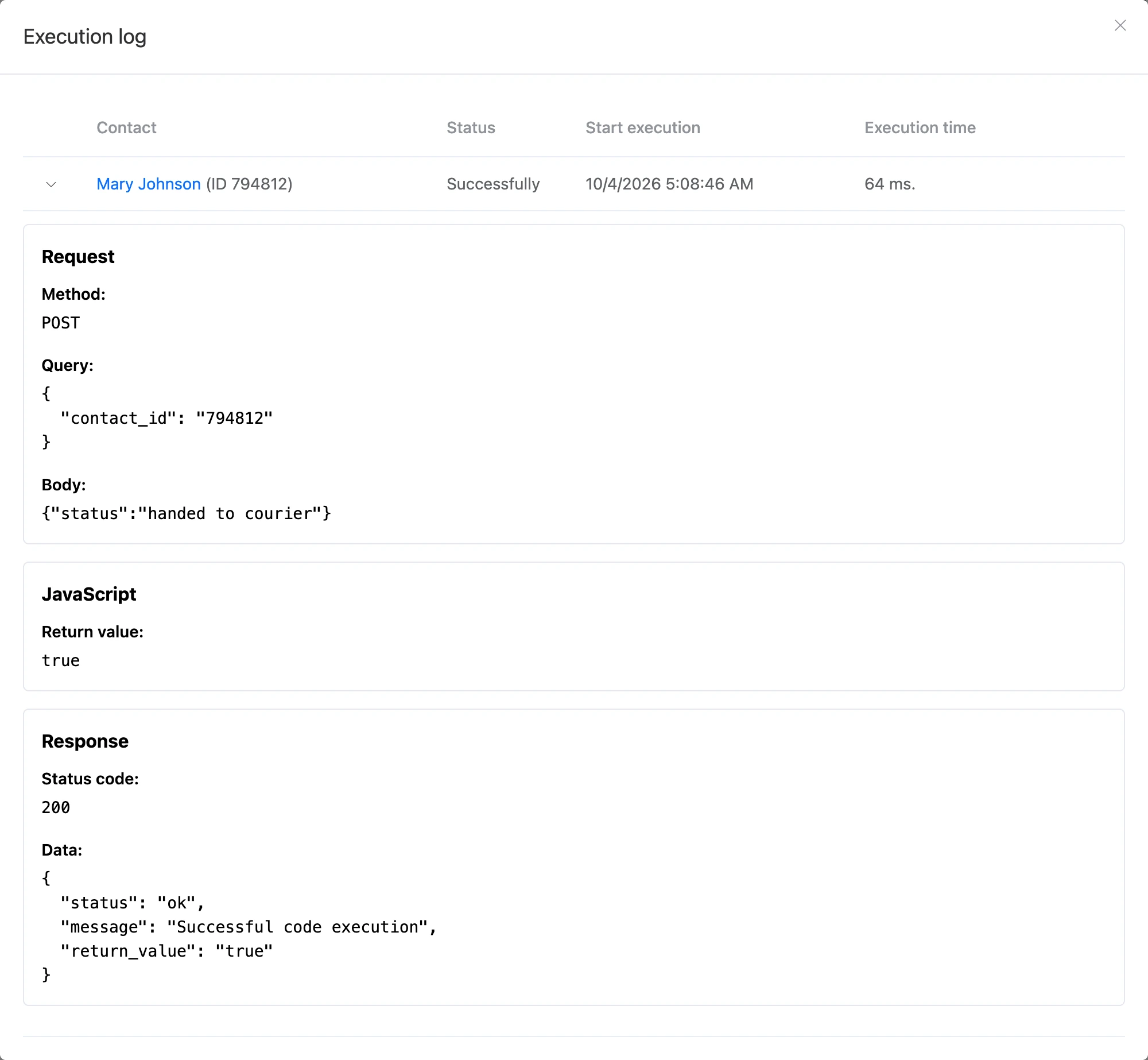
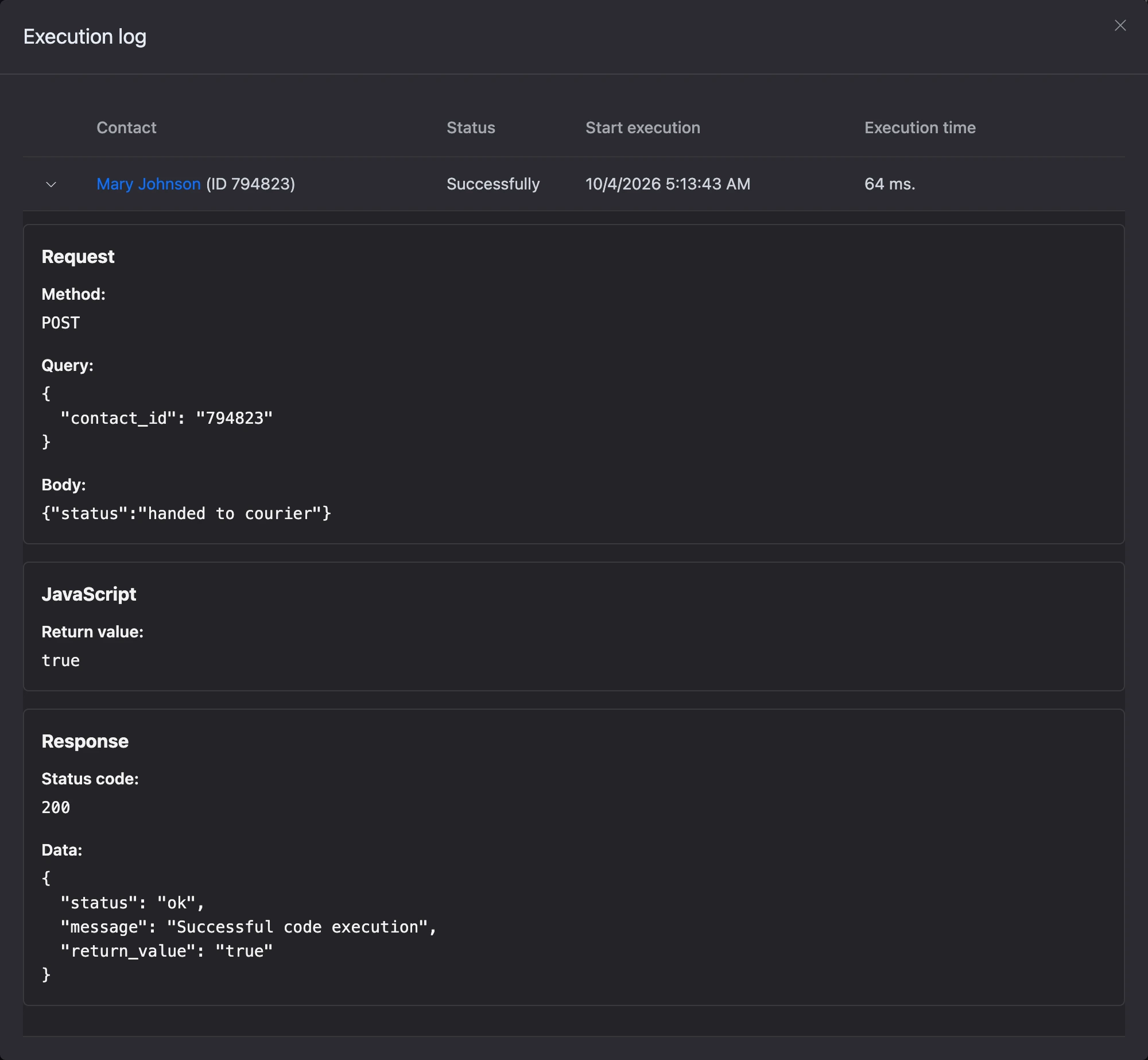
The response is JSON with the fields status (ok or error), message and return_value — the value of the last expression in the code.
| Response code | When |
|---|---|
200 |
The code has run. If the contact is not found, message contains Code executed without setting contact |
404 |
Wrong address: there is no such block or the key does not match |
422 |
An error in the code, the code field is empty, the code has no contact lookup function, or the bot owner has no Pro |
429 |
Too many requests |
Every request and the response to it are recorded in the block's "Execution log".
Limits
- The block works only while the bot owner's Pro is active. See What is available without Pro for details.
- No more than 30 requests per 10 seconds per bot — for all of its "Incoming webhook" blocks together — and no more than 180 requests per minute from one IP address.
- The code has the same limits as in the "JavaScript interpreter" block: ES5 and 5 seconds to run.
Requests from Telegram and MAX
The block can receive everything the messenger sends to your bot. In the Telegram or MAX connection window, turn on the 'Relay requests to the "Incoming Webhook" block' switch and choose the block by ID or name in the "Block" field.
After that, every messenger event is first handled by the bot — as usual, by the scenario — and then passed to the block's code. The event, in the form the messenger sent it, is in request.data.
This lets you react to things the scenario itself does not handle: messages in groups and channels, the bot being added to a chat. Telegram inline mode requests are not passed to the block.
var message = request.data.message;

if (message && message.from && setContactByTelegramId(message.from.id)) {
    setContactTag('wrote_in_group');
    disableContinue();
}
Such events count towards the same requests-per-minute limit.