

Reschedule appointment
Moves the client's appointment to another free time. The services stay the same. The usual path: the "Reschedule button" on the appointment card → a screen with the "Booking time slots" element that has the "Rescheduling" field filled in → the "Reschedule appointment" block.
Settings
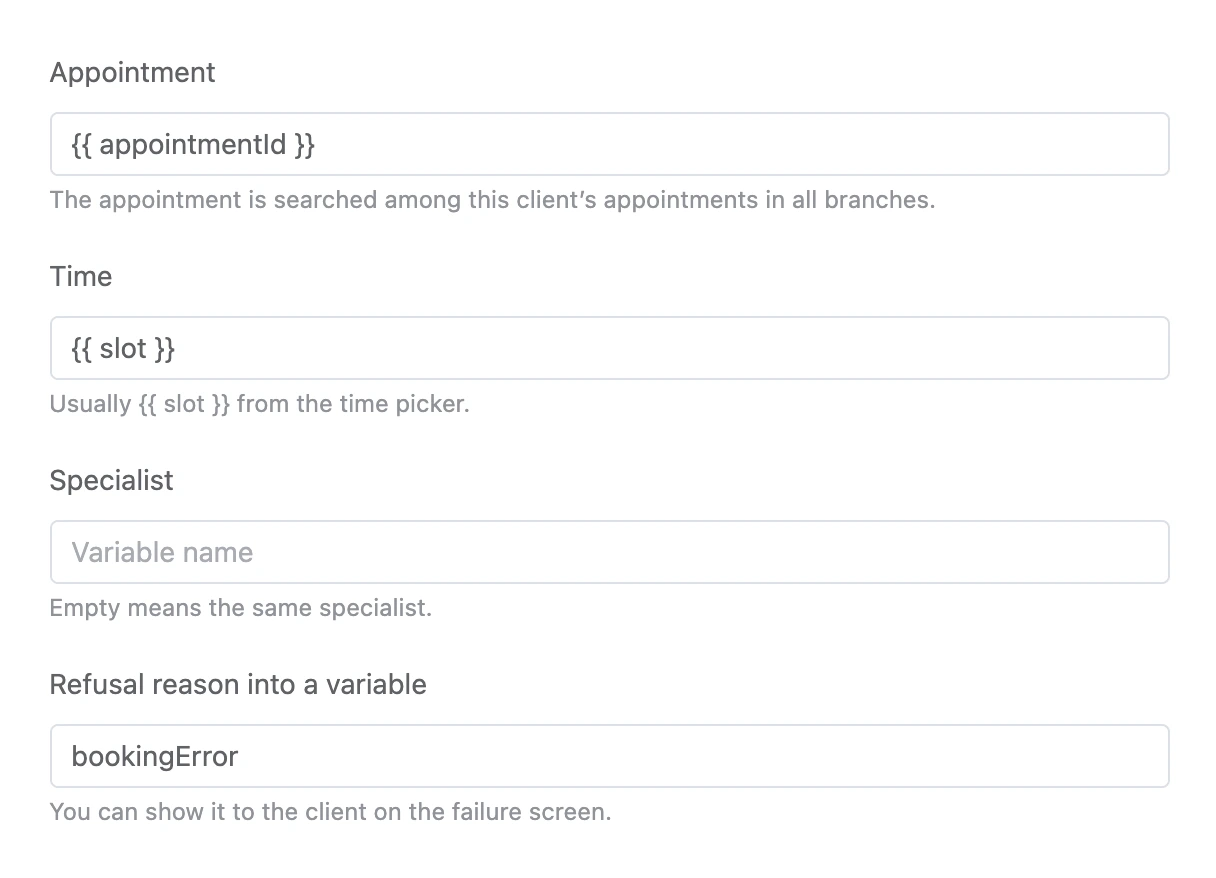
- "Appointment" — usually
{{ appointmentId }}. The appointment is searched among this client’s appointments in all branches. - "Time" — usually
{{ slot }}from the time picker. - "Specialist" — empty means the same specialist.
- "Refusal reason into a variable".
Exits
- "Rescheduled" — the appointment is moved.
- "Rescheduling failed" — the time is already taken, the appointment was not found, or the deadline has passed.
Specifics
An appointment can be rescheduled no later than the same deadline as cancelled — from the branch rule "Cancellation deadline, hours".