

Conversions on the scheme
The conversions mode shows statistics right on the scenario scheme: how many times each block fired and how many people followed each button. These numbers show at which step people drop out of the scenario.
How to turn it on
- Open the scenario scheme. How it is arranged is covered in the Scenario builder section.
- Click the pie chart icon in the bottom right corner of the scheme.
- Choose a period on the panel that appears.
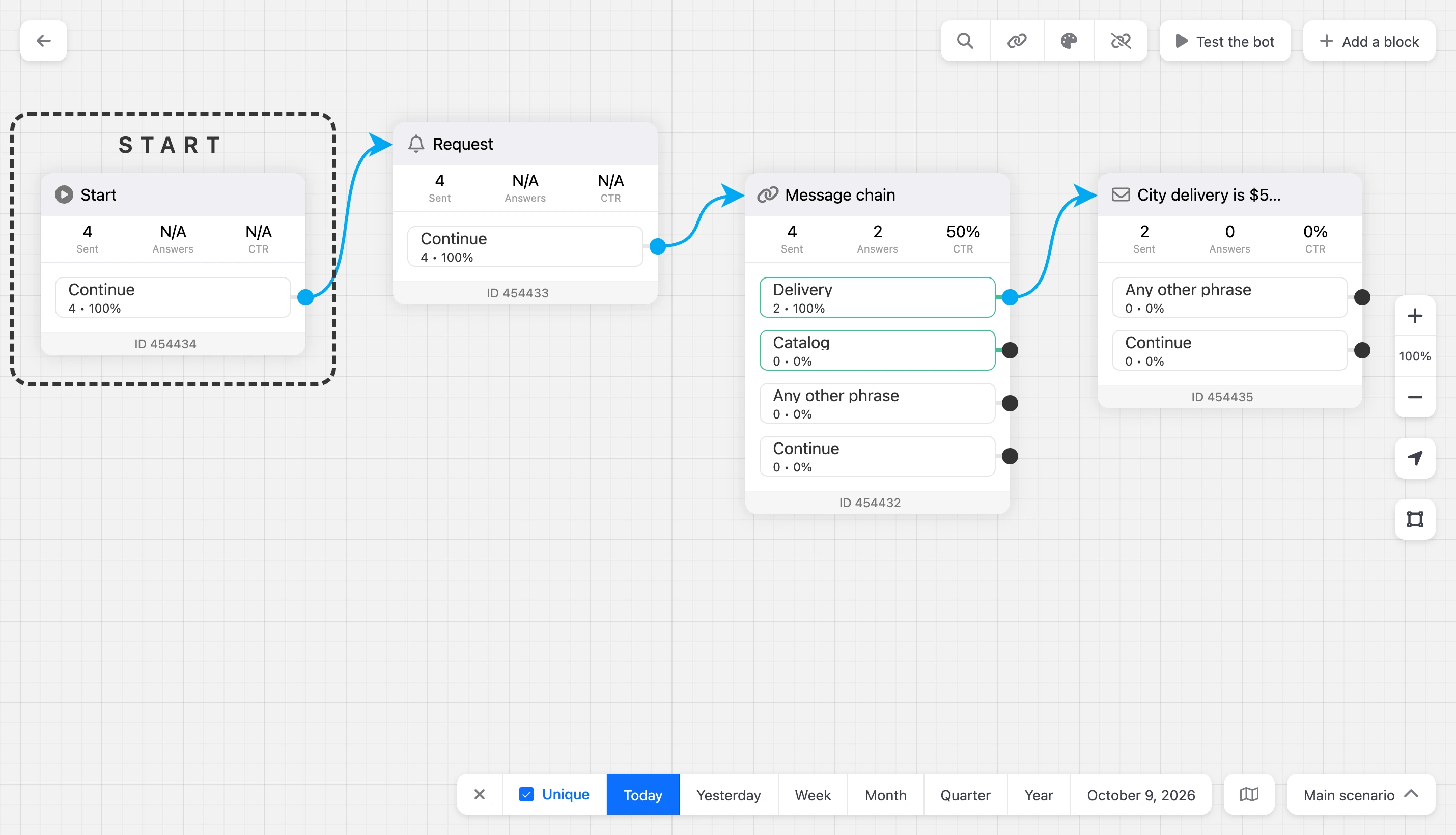
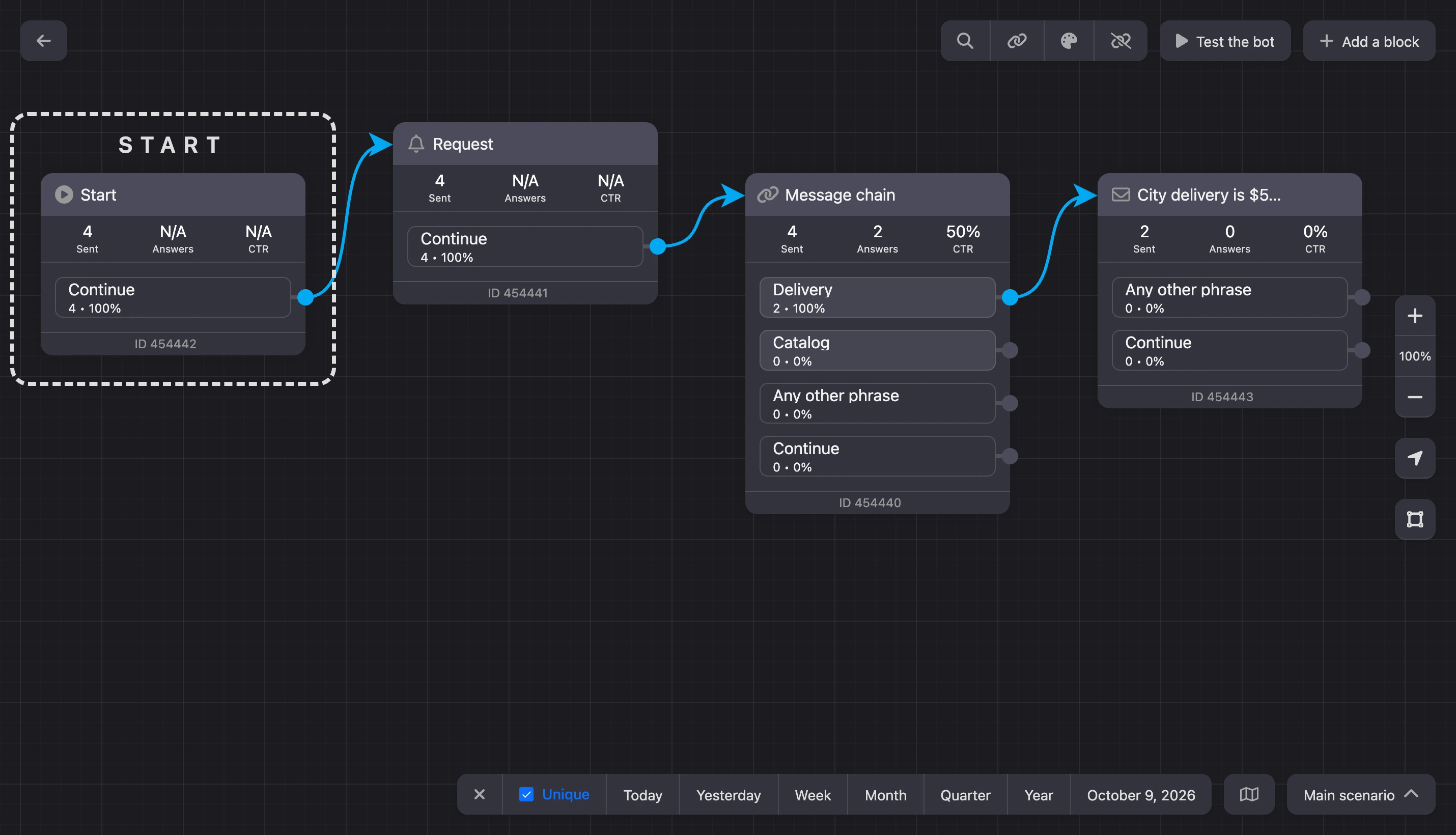
The numbers are loaded for the scenario that is open on the scheme.
To turn the mode off, click the cross at the start of the panel. The numbers disappear from the scheme, while the statistics themselves are kept.
Note
The icon is visible to the bot's owner and to team members with the "View conversions" permission. There is no conversions panel on a phone — open the scheme on a computer or a tablet.
The period panel
- The "Unique" checkbox — count contacts rather than events. It is on by default: a person who passed a block three times is counted once.
- The "Today", "Yesterday", "Week", "Month", "Quarter", "Year" buttons. "Week", "Month", "Quarter" and "Year" are counted back from today. On a narrow screen these buttons are absent — only the date selection remains.
- The button with dates opens a calendar where you can set any period.
When the mode is turned on, it shows today.


Numbers on a block
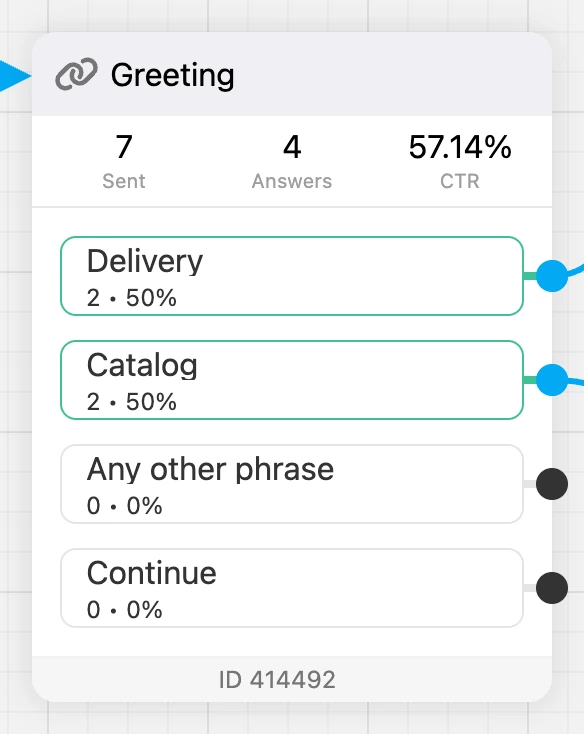
A line of three numbers appears on every block:
| Number | What it counts |
|---|---|
| "Sent" | How many times the block fired: the bot reached it and ran it |
| "Answers" | How many times the buttons of this block were pressed |
| "CTR" | The share of answers in sends, in percent |
Blocks without buttons — for example, "Assign tag", "Delay", "Phone number request", "Request" — show "N/A" instead of "Answers" and "CTR": there is nothing to answer with. "Sent" is counted for such blocks as usual.
Numbers on outputs
Every button of a block and the "Continue" output get a counter like 120 • 40%:
- the first number is how many times contacts left the block through this output;
- the second is the share of this output among all exits from the block.
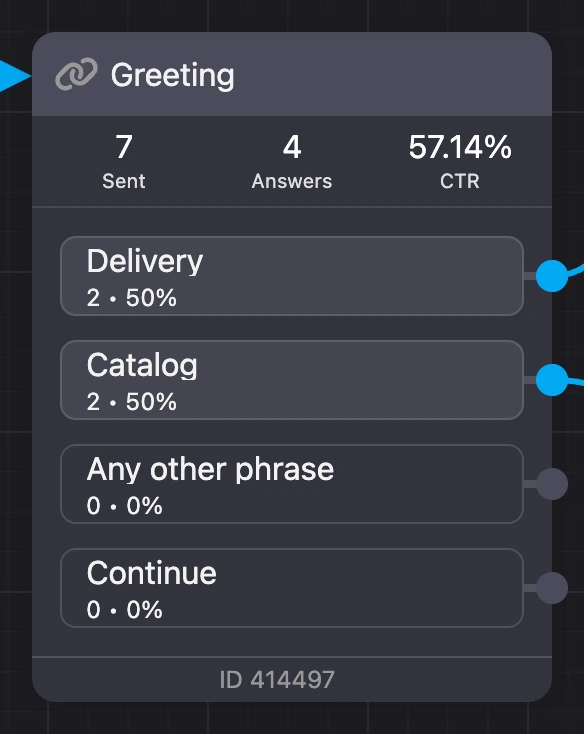
Compare a block's "Sent" with the sum of the numbers on its outputs: the difference is the people who got the message and went no further.
What is not counted and what is missing
- Bot check. Going through the scenario in the "Bot test" window does not get into the numbers — you can check the scenario without spoiling the statistics.
- Reset. The accumulated numbers cannot be reset to zero. To assess the scenario after changes, choose a period starting from the date of the changes.
- Deleted blocks and buttons. The numbers are tied to blocks and buttons. If a block or a button was deleted and created again, the count for the new ones starts from zero.
Tip
To compare two versions of a message, put an "A/B testing" block before them and compare the numbers on the branches after a few days.