

Condition
Splits the scenario into two branches. If the conditions are met, the contact follows the "Yes" output, if not — the "No" output.
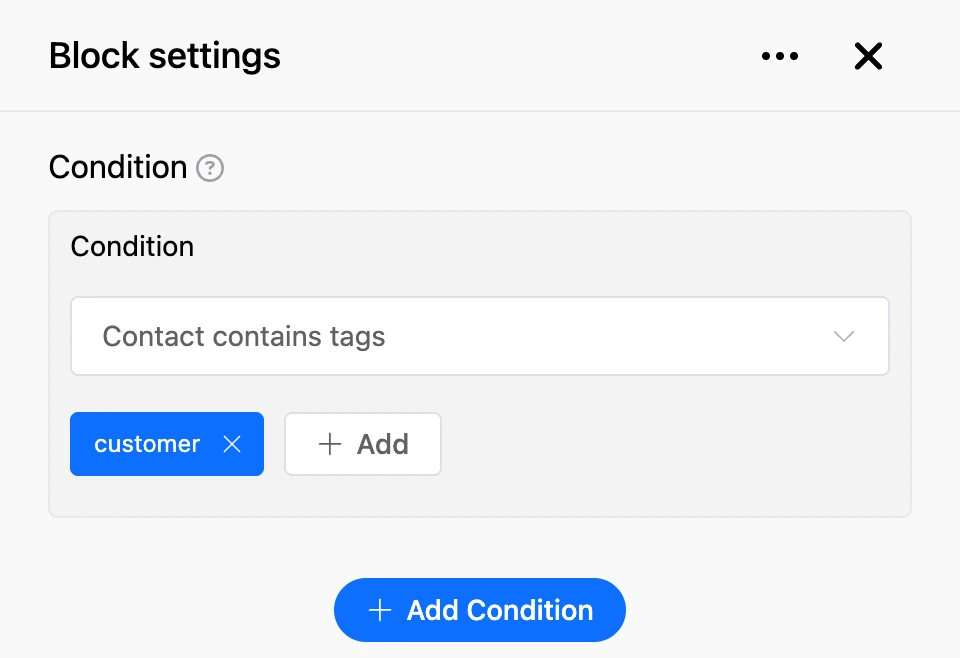
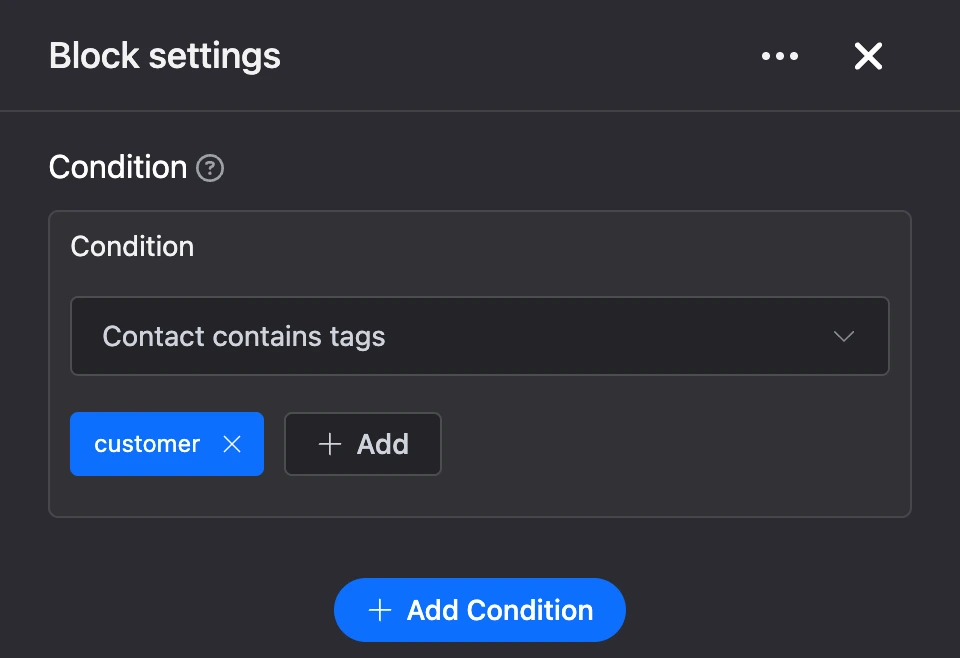
Settings
- "Condition" — what to check. The kinds of conditions are in the table below.
- "Add Condition" — adds one more check. One block can hold up to 10 conditions.
- How conditions are combined — the list appears above the conditions when there is more than one:
- "All conditions are met at the same time" — the contact goes to "Yes" only if every condition is met;
- "At least one of the conditions is met" — any single one is enough.
| Condition | When it is met |
|---|---|
| "Contact contains tags" | The contact has all the listed tags. |
| "Contact does not contain tags" | The contact has none of the listed tags. |
| "Message contains text." | The contact's message contains the given text. Letter case does not matter. |
| "Message matches" | The contact's message matches the given text in full. Letter case does not matter. |
| "The message matches the specified number" | The contact's message is compared with a number. A message without a number counts as zero. |
| "The current date matches the set date" | The current moment is compared with the chosen date and time. |
| "The current time matches the set time" | The current time of day is compared with the chosen one, to the minute. |
| "The current day of the week matches the set days" | Today is one of the ticked days of the week. |
| "Variable matches the set expression" | The value of a contact variable is compared with the "Expression" field. |
| "The variable is not empty" | The contact has this variable, and something is stored in it. |
| "The variable exists" | The contact has this variable, even if it is empty. |
| "Global variable matches the set expression" | The value of a global bot variable is compared with the "Expression" field. |
| "The contact is subscribed to the Telegram channel/group" | A contact from Telegram is a member of the chosen channel or group. |
| "The contact is subscribed to the MAX channel/group" | A contact from MAX is a member of the chosen channel or group. |
| "The contact has the specified number of referrals" | The number of the contact's referrals is compared with the "Number of referrals" field. Referrals of all levels are counted. In the "Referrals contain tags" field you can list up to three tags — then only referrals with all of these tags are counted. |
| "The contact is in an Excel spreadsheet." | The contact's phone is in the first column of an Excel spreadsheet. The spreadsheet is loaded by a link (HTTP) or from an FTP server on every check. |
The contact's message is the text after which the bot reached the block.
In conditions with a number, date, time, variable and referrals, you choose a comparison sign to the left of the value: =, >, <, >=, <=, != (not equal).
Variables. The "Variable" field takes the variable name — without $ and curly brackets. The field suggests variables that already exist in the bot. In the "Expression" field you can write a value or a template — see Templates. The >, <, >=, <= signs compare values as numbers; text instead of a number counts as zero. If the contact does not have the variable, the condition is not met — with any sign, including !=.
Channel subscription. For a channel or group to appear in the list, connect the bot to the messenger and add it to that channel or group. In Telegram the bot must be an administrator there.
Outputs
- "Yes" — the conditions are met.
- "No" — the conditions are not met.
The block has no "Continue" output.
Good to know
- There are no conditions on contact data — phone, email, name. You can check tags, variables, the message, date and time, subscription and referrals.
- The
=sign for a date means "today is the same day": the time in the field is ignored, and the day is taken in the bot's time zone. The!=sign means any other day. The other signs compare with the exact moment: "has already come" or "has not come yet". - The day of the week is determined in the bot's time zone.
- An empty tag list and empty text in "Message contains text." count as a met condition. Fill in the value of every condition.
Warning
Do not leave a condition with "Choose a condition" selected in the list. Such a condition counts as not met, and the contact may go to "No".
Example: after a payment the contact gets the "customer" tag. A "Condition" block with the "Contact contains tags" check sends customers to a branch with members-only materials, and everyone else to a branch with an offer to buy.