

Action sheet
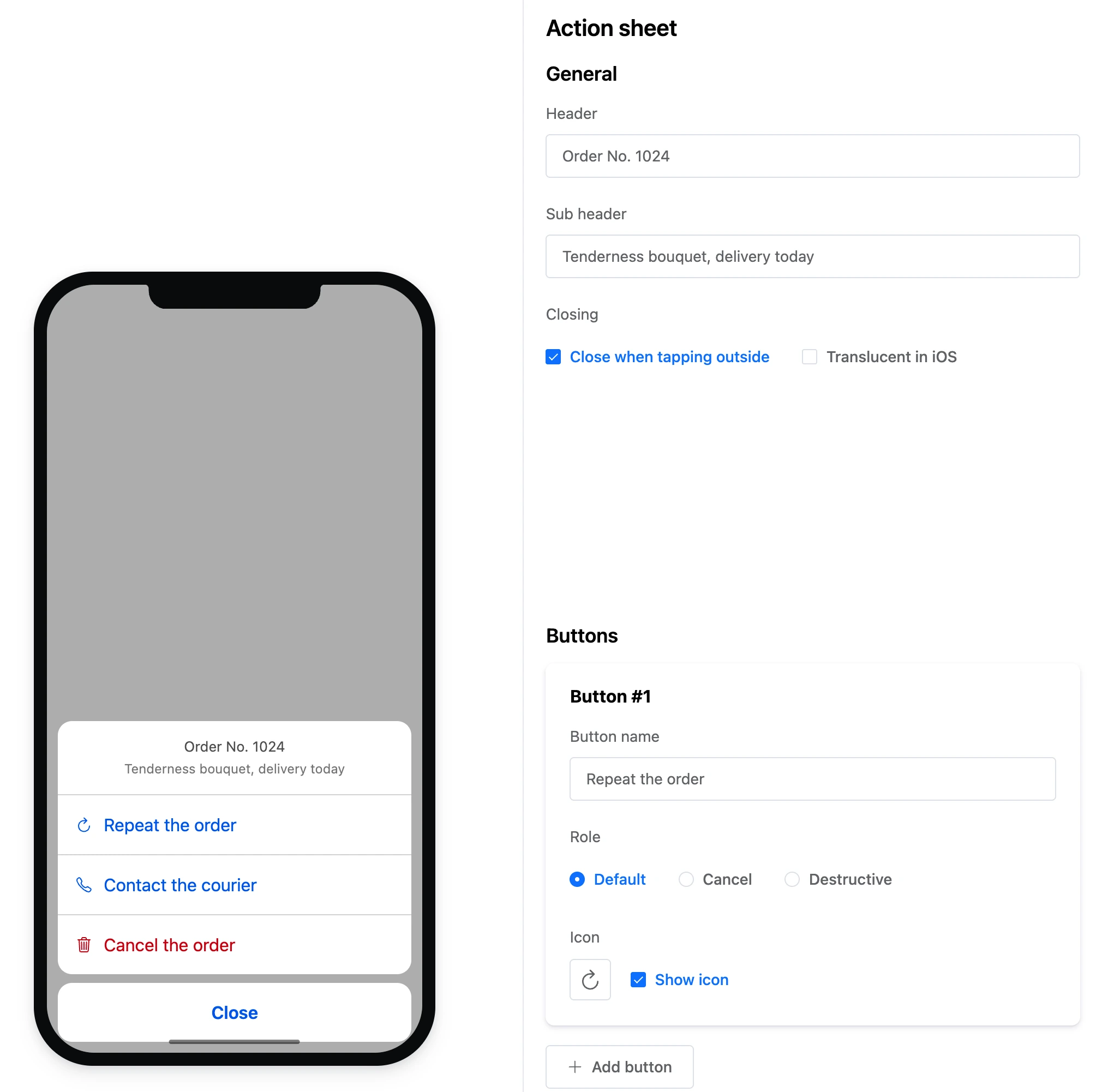
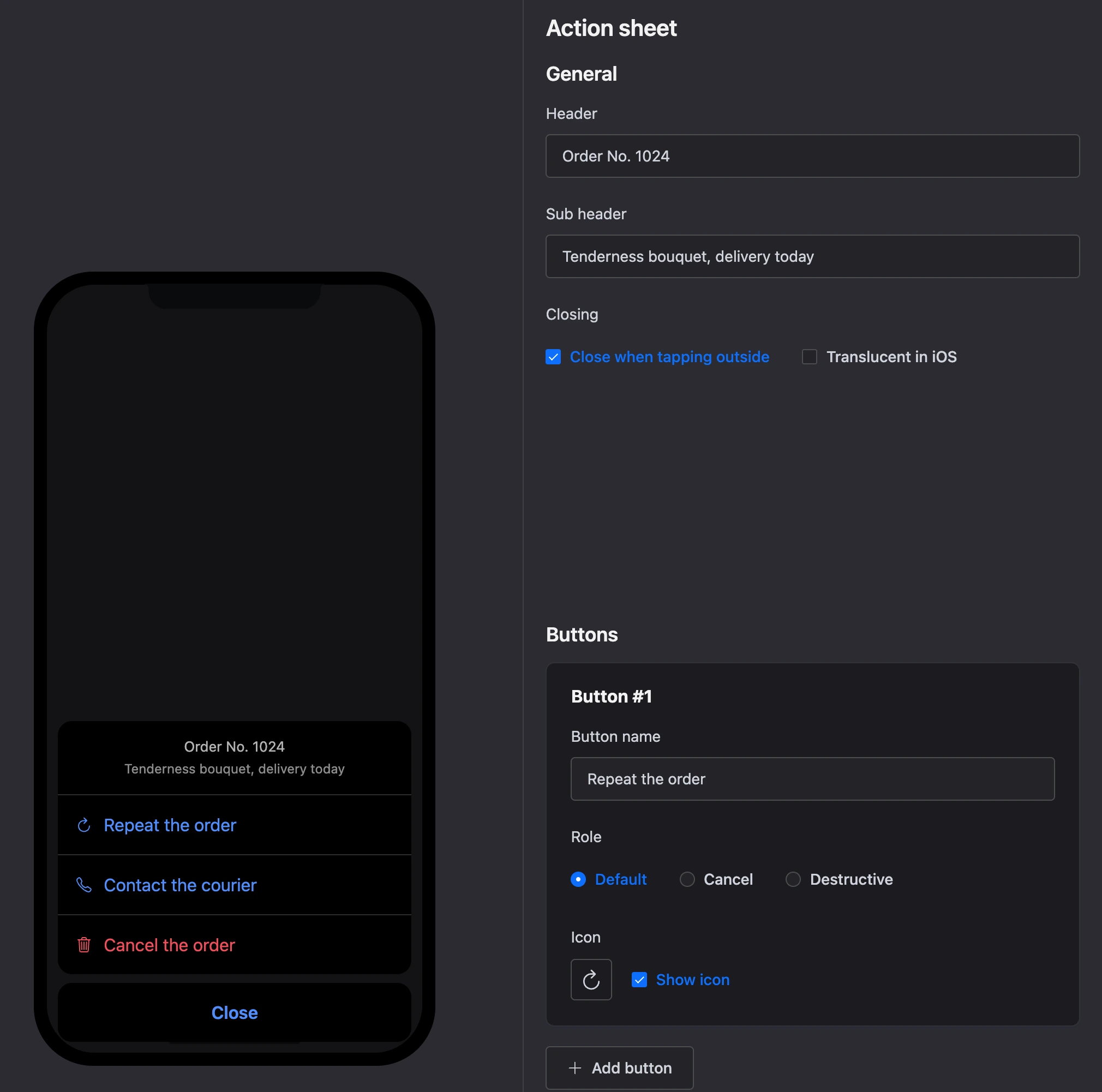
A list of actions sliding up from the bottom of the screen — like the system "Share" menu or "What to do with the order".
Settings
General
- "Header" and "Sub header" — above the buttons.
- "Closing": "Close when tapping outside".
- "Translucent in iOS".
Buttons — up to 10. Each has:
- "Button name";
- "Role" — "Default", "Cancel" or "Destructive". The "Cancel" button stands apart at the bottom of the sheet, "Destructive" is red;
- "Icon" and "Show icon".
Exits
Each button is a separate exit. The "Cancel" button is usually left without a link: it just closes the sheet.
Specifics
- An action sheet cannot be the start block.