

Unsubscribe from mailing list
Removes the current contact from the recipients of a mailing.
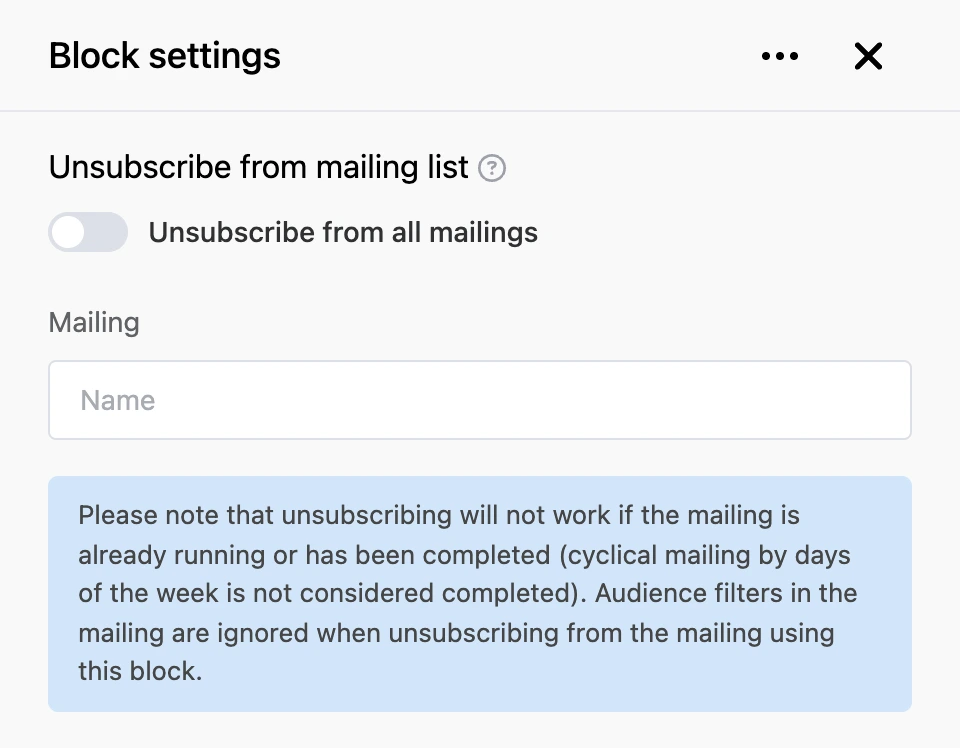
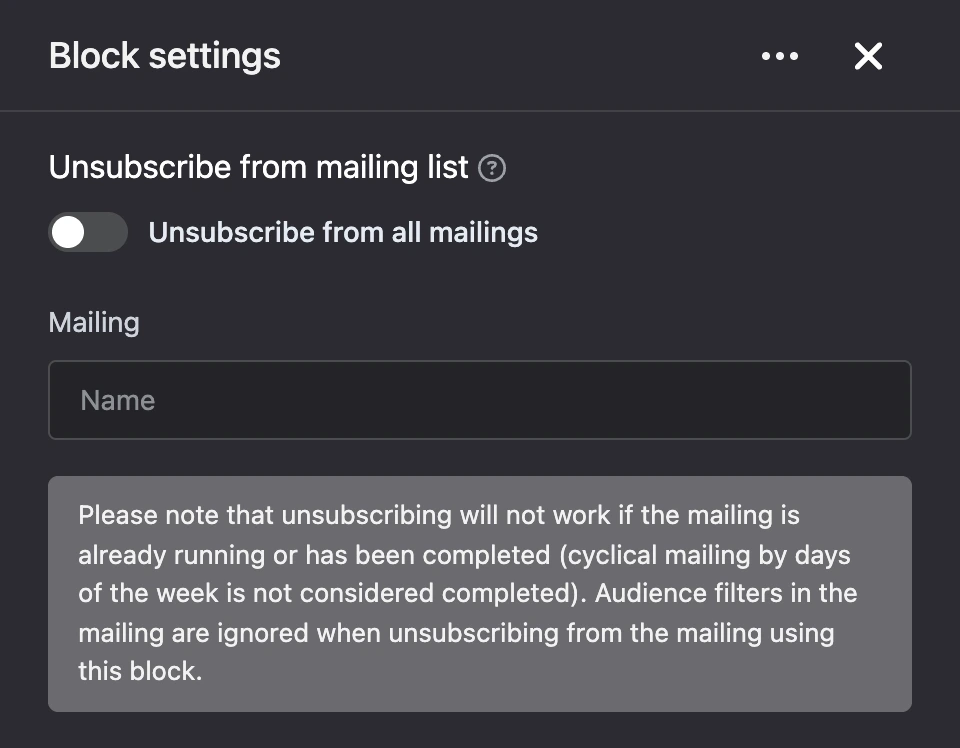
Settings
- "Unsubscribe from all mailings" — remove the contact from all of the bot's mailings that have not started yet.
- "Mailing" — the mailing to unsubscribe from. The field is visible while the "Unsubscribe from all mailings" switch is off.
Outputs
- "Continue" — the bot moves on in any case.
Good to know
- Unsubscribing does not work if the mailing is already running or has finished. A mailing by days of the week is not considered finished while it still has repeats left.
- The block does not work in a scenario started by the mailing itself.
How a person unsubscribes from mailings themselves is on the Recipients and filters page.
Tip
If the bot writes to people regularly, give them a way to unsubscribe: an "Unsubscribe" button that leads to this block.