

Files: images and videos
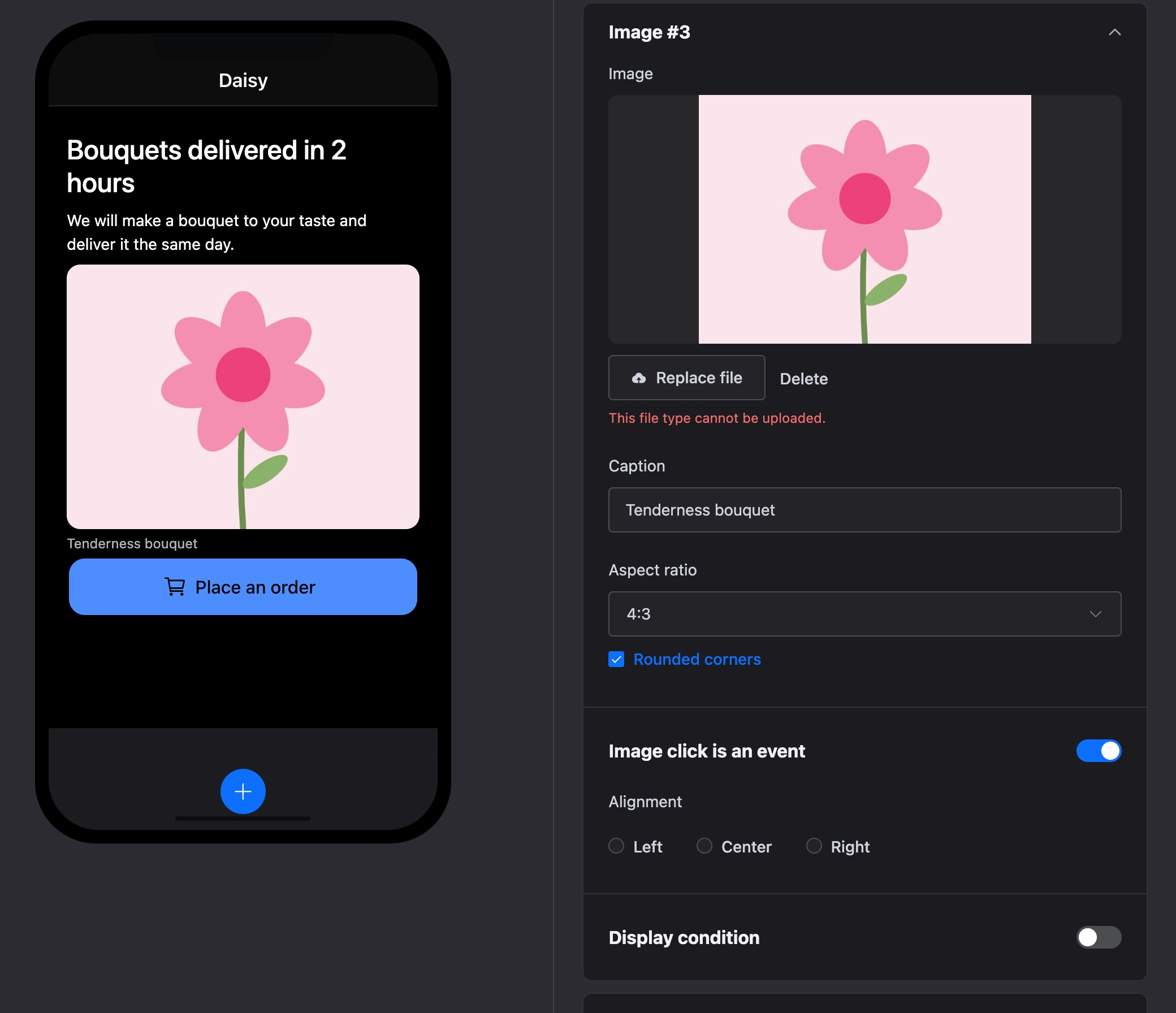
Images and videos are uploaded right in the element's settings: the "Upload file" button, then "Replace file" to swap it for another one. Files are kept in the platform's storage — no third-party hosting is needed.
| Where | Which files |
|---|---|
| "Image", the video "Poster", the card image | JPEG, PNG, GIF, WebP, AVIF |
| "Video" | MP4, WebM, MOV |
Unsupported file
SVG and other formats not in the table cannot be uploaded — the message "This file type cannot be uploaded." appears under the field. SVG is blocked on purpose: it is a document that can contain scripts and external links. The server checks the same list of formats.

Where files are stored
A file is stored together with the app version: a copy of the version and a template show the same files. The app's files are served in the published app to everyone who opens it — do not put in them anything visitors should not see.