

Delete list entries
Deletes all list entries that match the filters.
Settings
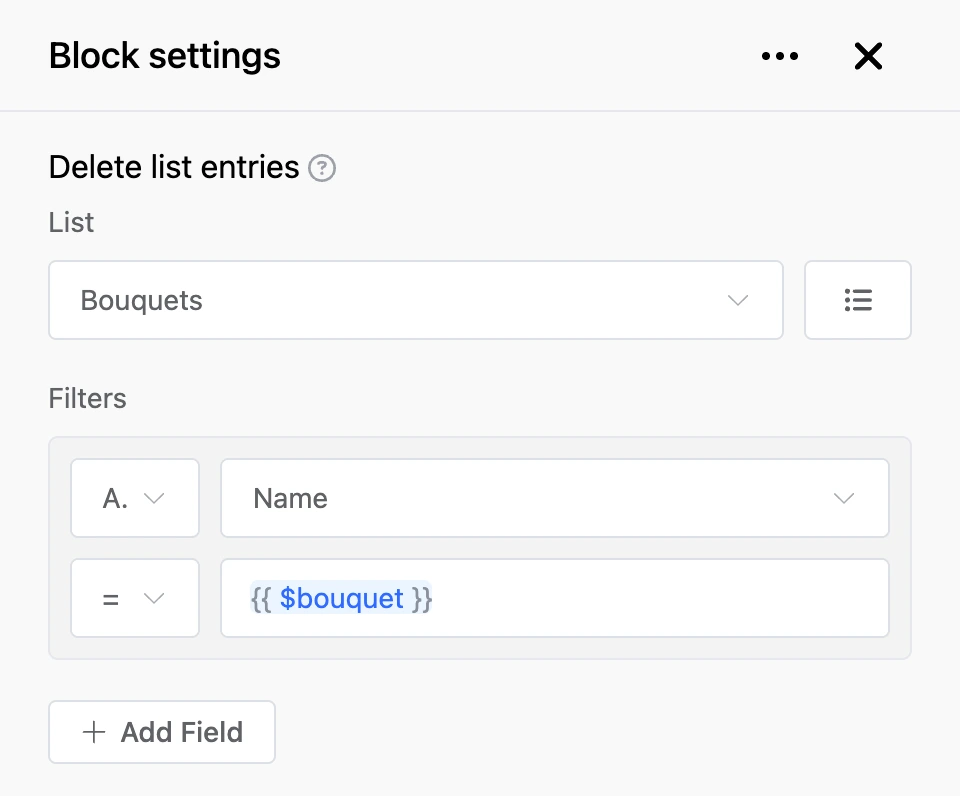
- "List" — where to delete from.
- "Filters" — which entries to delete, as in the common settings. You can set up to five conditions.
Outputs
- "Successfully" — the entries have been deleted.
- "Not exists" — there are no matching entries or no list is chosen.
Warning
Deletion cannot be undone. Without filters the block deletes all entries of the list. If the value of a condition turns out empty — for example, it is a variable and the contact does not have it — the block deletes nothing and takes the "Not exists" exit.
0does not count as empty. A condition whose value was never filled in is ignored; if all conditions are like that, the block deletes nothing either.