

JavaScript
Runs your code on the person's device: open a link, copy text to the clipboard, share, close the app, write variables. When the app reaches the block, it runs the code and goes on through the "Done" or "Error" exit.
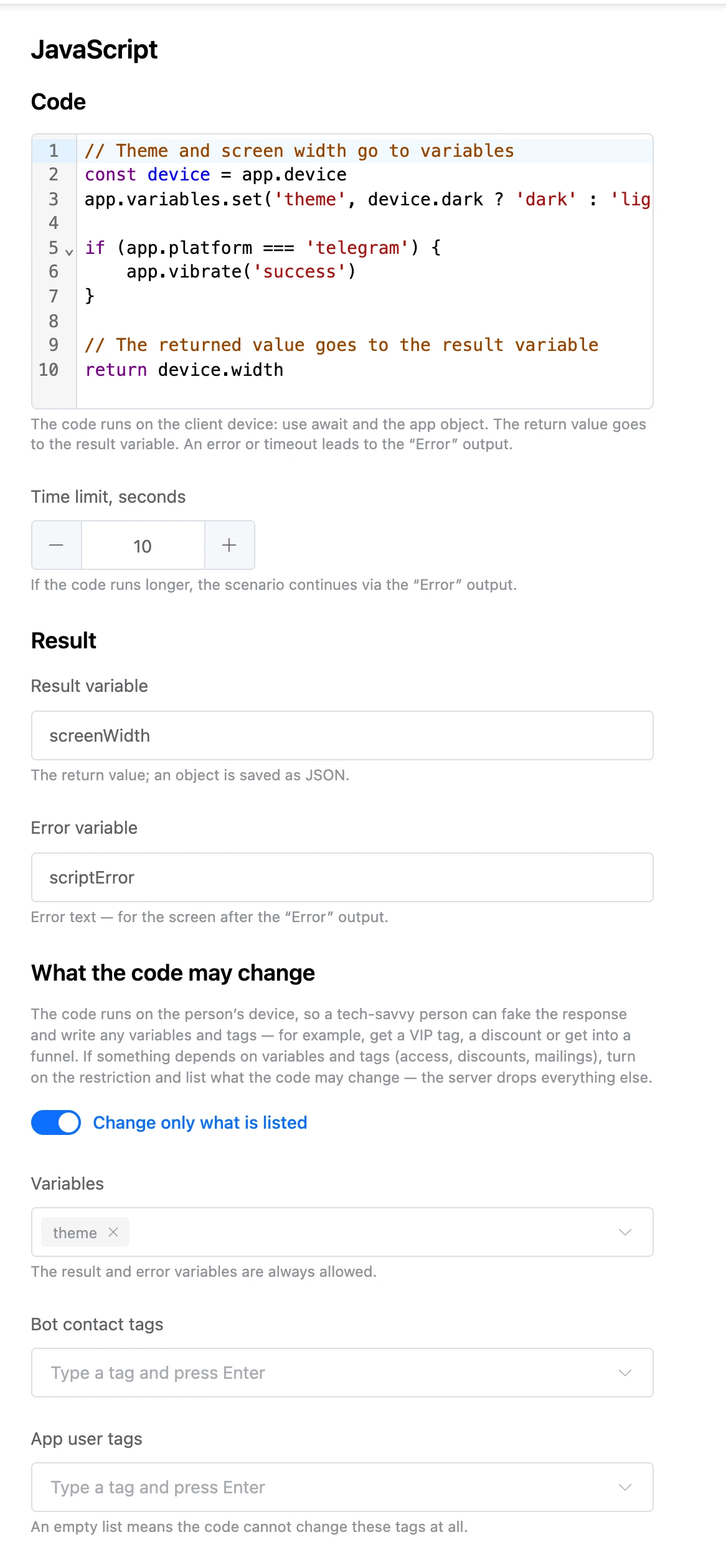
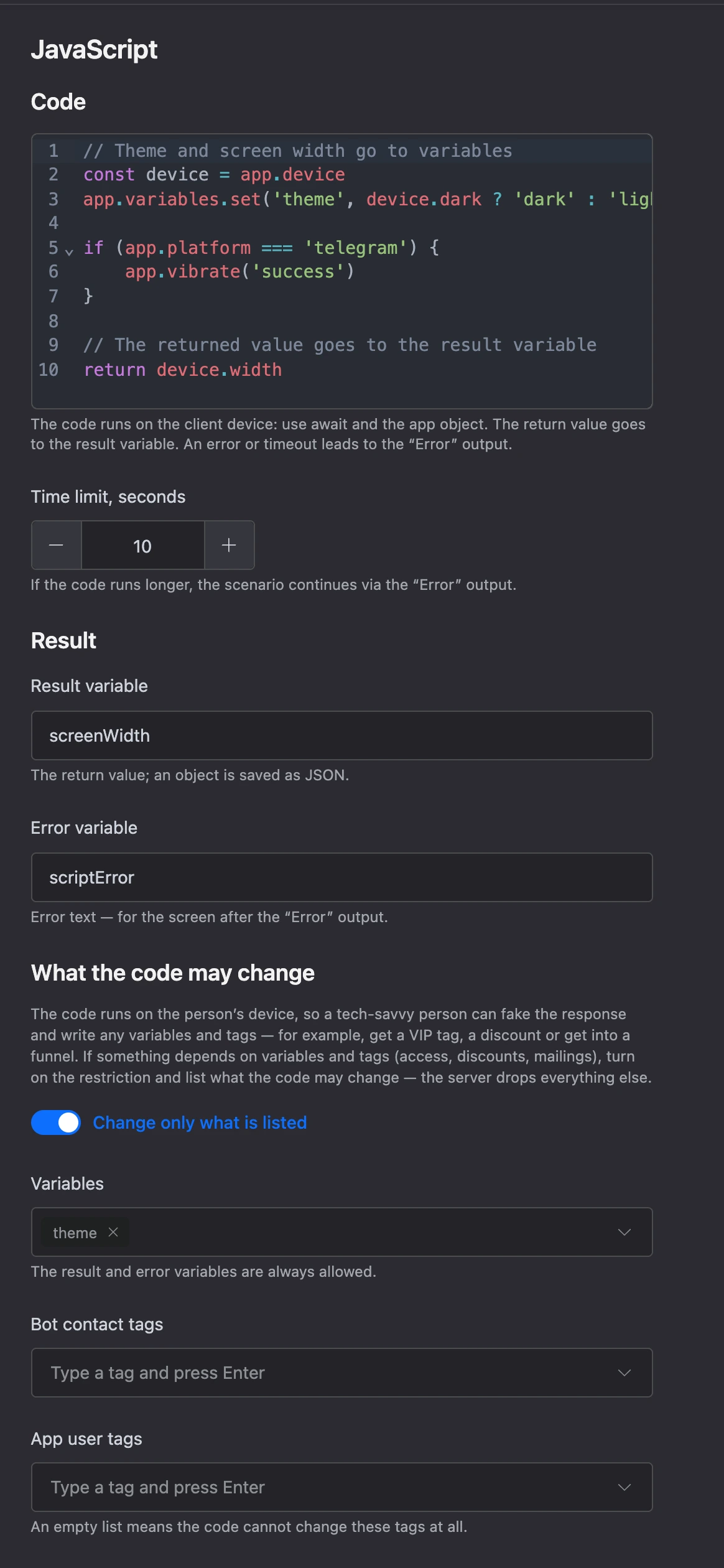
Settings
- "Code" — the body of an async function with the
appobject. Up to 20,000 characters. - "Time limit, seconds" — from 1 to 60, 10 by default.
- "Result variable" — what
returnreturned. - "Error variable" — the error text.
- "What the code may change" — the "Change only what is listed" switch and lists of allowed variables and tags. On for a new block.
What the code can access in the app object, how the restriction works and a code sample are on the Code in the app page.
Exits
- "Done" — the code finished.
- "Error" — the code threw an error or ran out of time.
Specifics
- The code runs on the device, so a savvy person can fake its result. Do not turn the restriction off if access, discounts or mailings depend on the variables and tags.
{{ name }}placeholders do not work in the code: read values withapp.variables.get().