

Alert
A small window with text and buttons over the screen. Handy for asking the person again: "Cancel the order?" — "No" / "Yes, cancel".
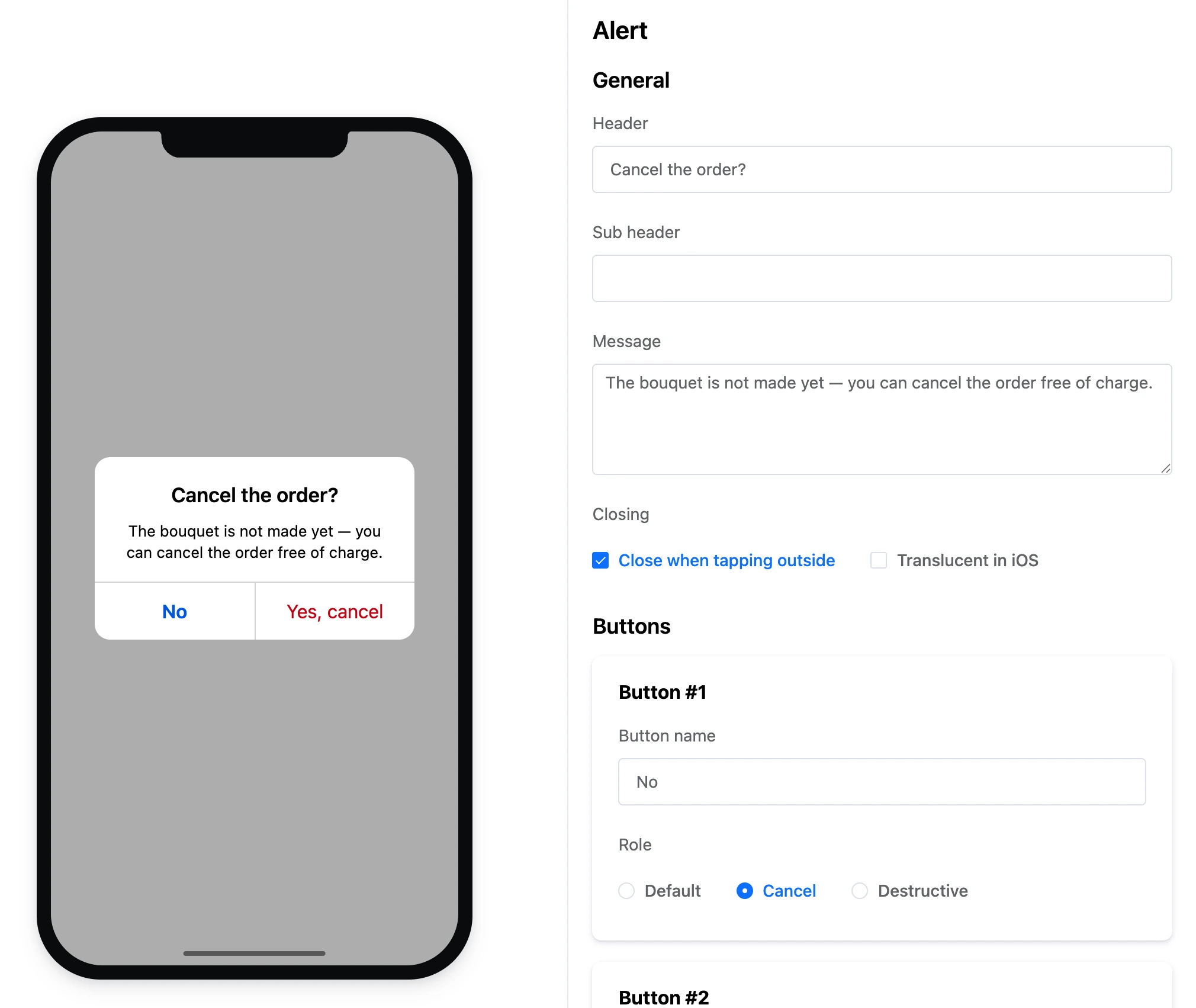
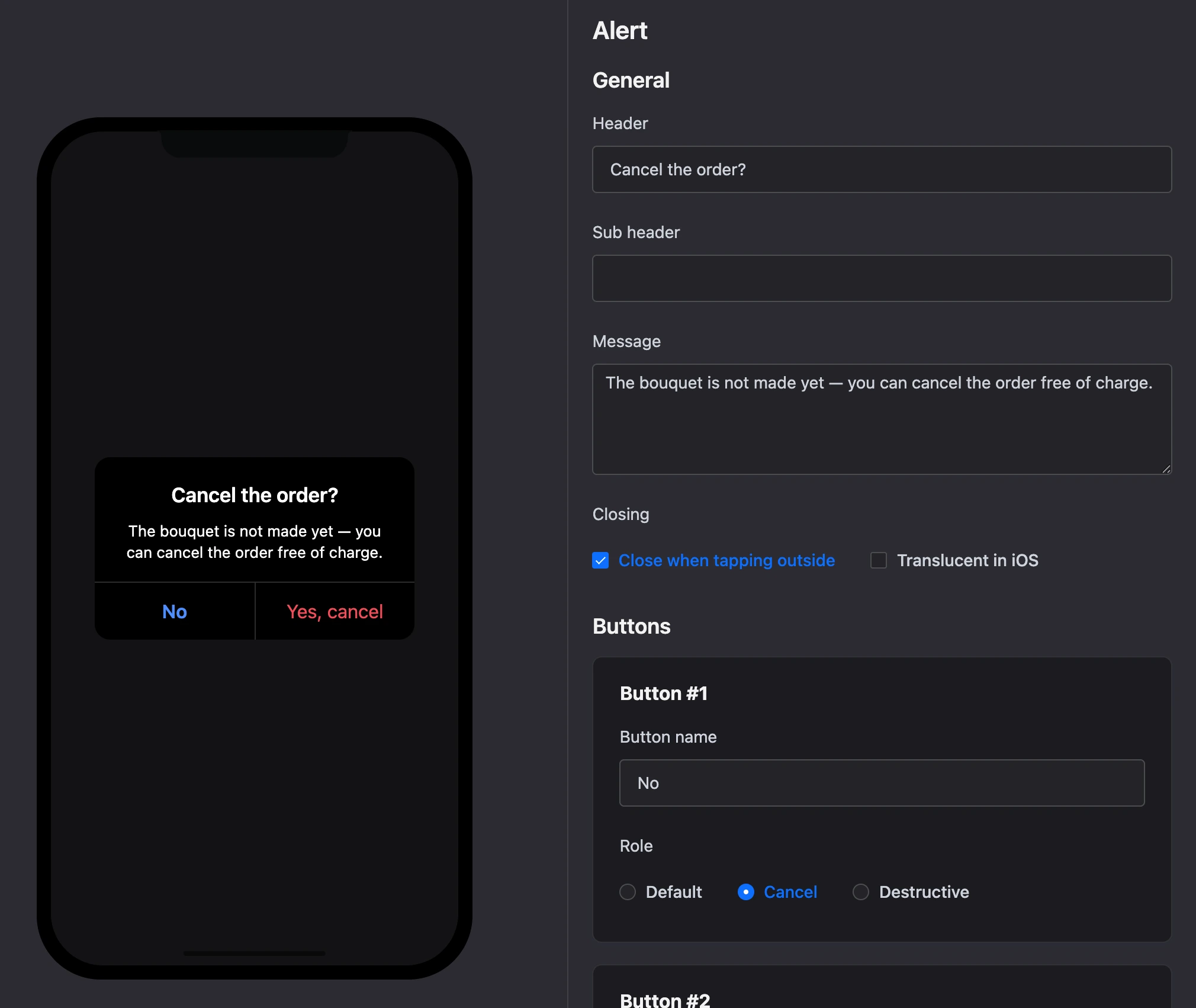
Settings
General
- "Header", "Sub header" and "Message".
- "Closing": "Close when tapping outside".
- "Translucent in iOS" — a translucent window background in the iOS style.
Buttons — up to 10. Each has:
- "Button name";
- "Role" — "Default", "Cancel" or "Destructive". The role changes the look of the button.
Exits
Each button is a separate exit, for example Button "Yes, cancel". A button without a link can be left just to close the alert.
Specifics
- An alert cannot be the start block.
- An alert has no input fields. If you need to ask something, build a modal with fields.