

Bot scenario
Starts a chatbot scenario for the person from the beginning — just like the "Scenario" block in the chatbot builder. For example, after an order in the app the bot starts a delivery survey or a series of messages.

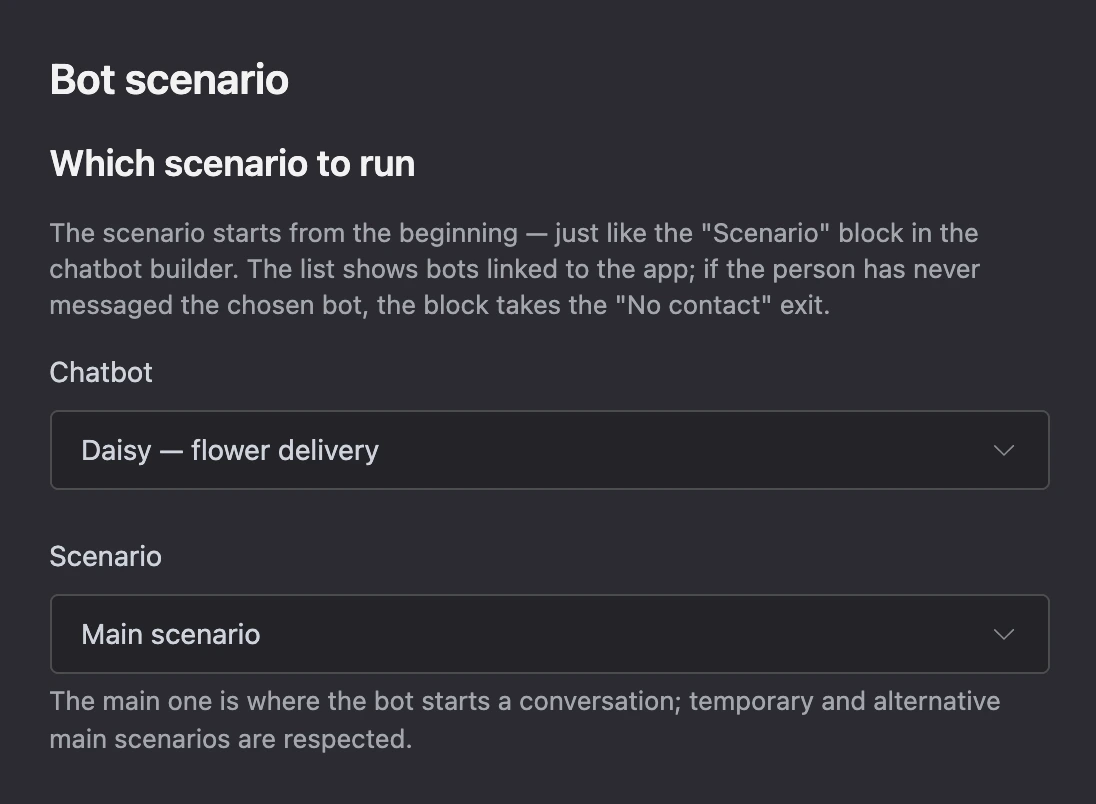
Settings
- "Chatbot" — one of the bots connected to the app.
- "Scenario" — "Main scenario" or another scenario of the chosen bot. Scenarios in folders are shown with a path: "Folder / Scenario".
"Main scenario" is the one the bot starts a conversation with; temporary and alternative main scenarios are taken into account.
Exits
- "Started" — the scenario is queued for sending.
- "No contact" — the person has not written to the chosen bot, the bot was unlinked from the app, or the scenario was not found.
Specifics
- The person is looked up in the chosen bot. If the app was opened from another connected bot, the contact is found by the Telegram or MAX account.
- The scenario starts from its first block, even if the person is currently somewhere else in the scenario.