

Viber
A Viber bot is connected with a token issued by Viber Admin Panel.
Connecting
- Open Viber Admin Panel, create a bot and copy its token.
- In the bot's scheme, click "Connect messenger" and choose Viber.
- Paste the token into the "API token" field and click "Save".
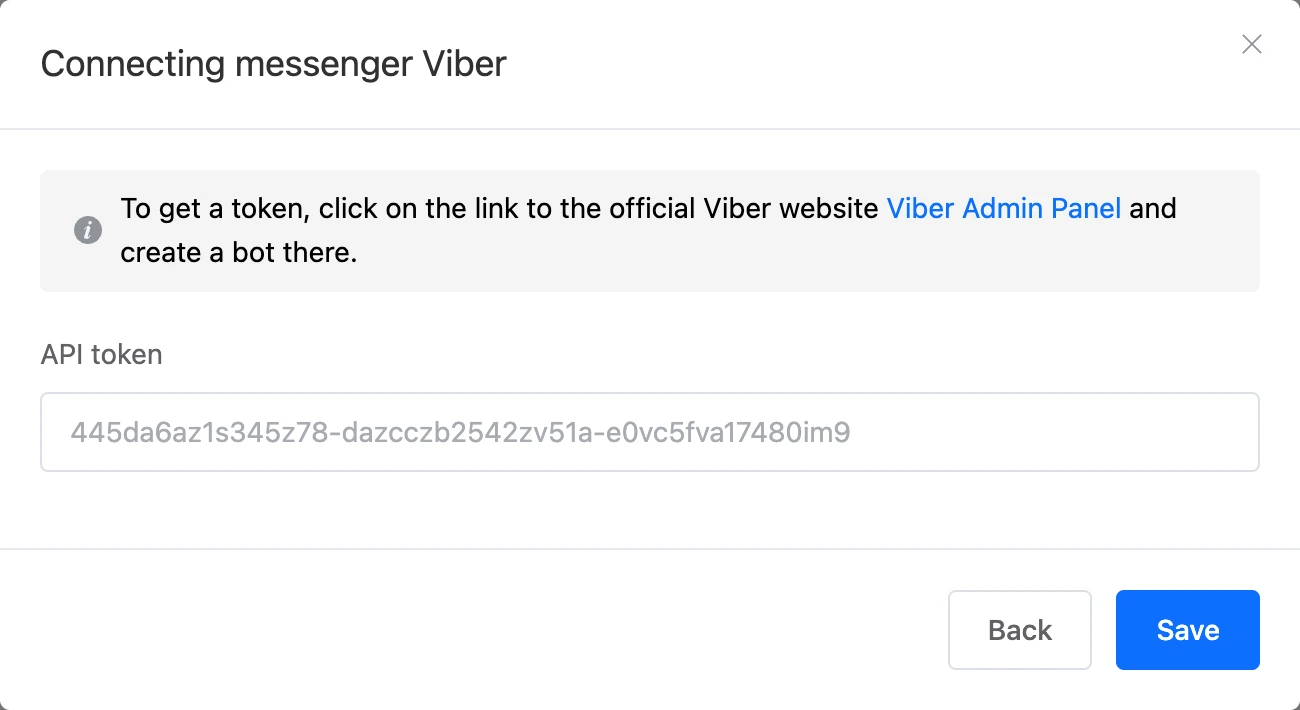
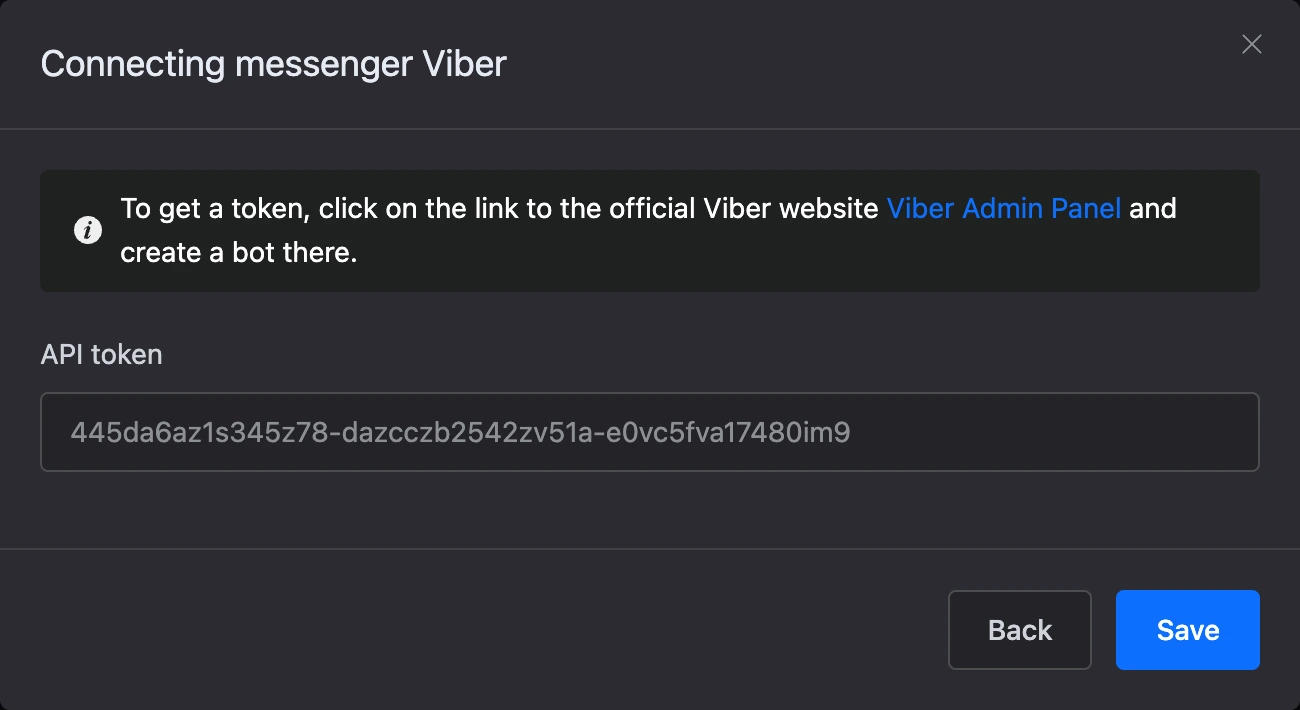
After saving, the window shows the link to the bot and a QR code.
What the bot can do in Viber
- Buttons — a keyboard under the input field and buttons under a message. Link buttons go under a message.
- The phone is typed by the person: Viber has no separate phone request button, so the bot asks for the number in a message.
- Mailings to Viber contacts are available.
- Mini apps do not open inside Viber. You can send the person a link — the app opens in the browser.