

JavaScript interpreter
The block runs your JavaScript code: it calculates, transforms data, changes the contact's variables and tags, and decides where the scenario goes next. The block itself sends nothing to the chat — only what you send from the code.
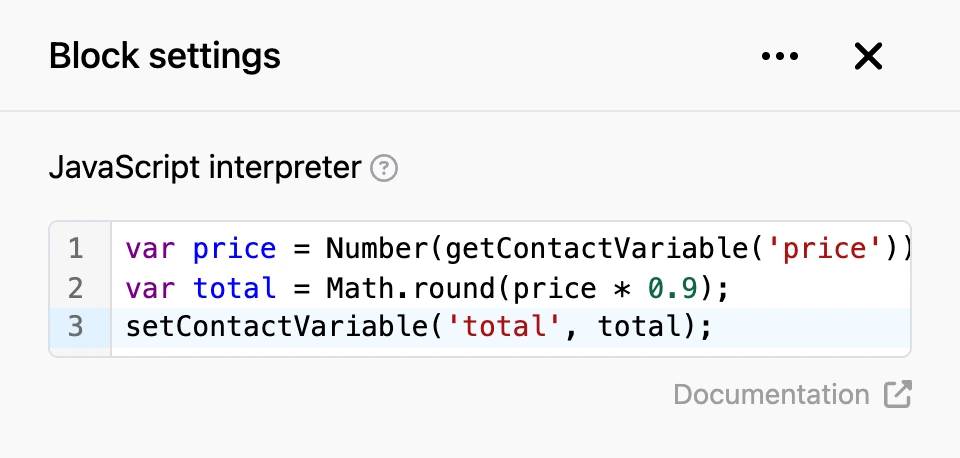
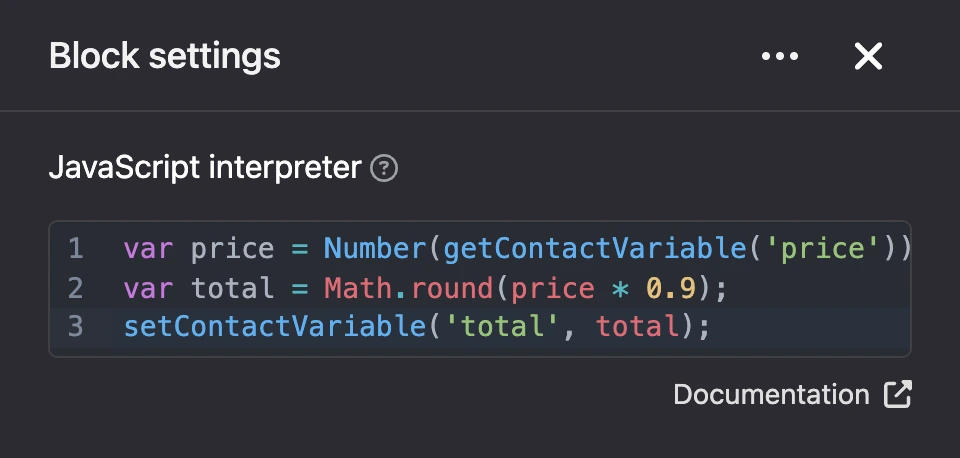
Settings
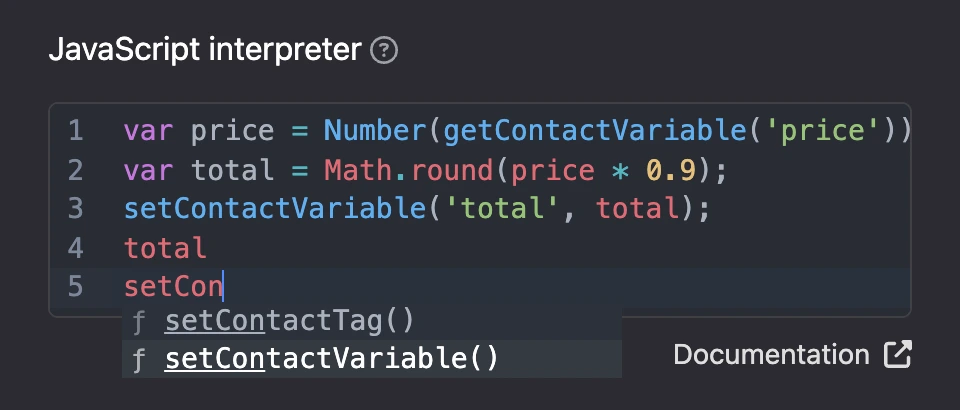
The block has one field — the code editor. Start typing a function name, and the editor will suggest a completion.

What the code can use
The contact's data comes as ready-made variables. All values are strings. If the contact lacks something, the variable does not exist — check with typeof phone !== 'undefined'.
| Variable | What it holds |
|---|---|
id |
The contact's ID on the platform |
name, first_name, last_name |
The full name, the first word of the name, the second word |
phone, email, address |
Phone, email, address |
username |
The username in the messenger |
telegram_id, max_id |
The person's ID in Telegram and MAX |
created_at |
The date the contact appeared, in the form 2026-01-31 12:00:00 |
bot_id |
The bot ID |
Functions:
| Function | What it does |
|---|---|
getContactVariable(name) |
Returns the value of a contact variable, or undefined if there is none. The value is a string: wrap it in Number() for calculations |
setContactVariable(name, value) |
Writes a contact variable. The value is a string, a number or true/false. Turn an object or an array into a string first: JSON.stringify(value) |
deleteContactVariable(name) |
Deletes a contact variable |
getContactTags() |
Returns an array of the contact's tags |
hasContactTag(name) |
true if the contact has the tag |
setContactTag(name) |
Adds a tag |
deleteContactTag(name) |
Removes a tag |
getGlobalVariable(name) |
Returns a global variable of the bot |
setGlobalVariable(name, value) |
Writes a global variable. The value is saved as a string |
deleteGlobalVariable(name) |
Deletes a global variable |
sendMessage(text) |
Sends text to the contact. Up to ten messages per run |
goToBlock(id) |
Moves the contact to the block with the given ID. Can be called once per run |
disableContinue() |
Disables the "Continue" connection for this run |
hash_hmac(algo, text, key, format) |
An HMAC signature. The algorithm is md5, sha1, sha256, sha512 or md4. The result is hexadecimal, or Base64 if you pass 'base64' as the fourth parameter |
base64_encode(text), base64_decode(text) |
Base64 encoding and decoding |
Parameters, return values and examples for each function are in the JavaScript API section.
Variables and tags are written to the contact after the code has finished without errors. Inside the code, getContactVariable already sees the value you have just written.
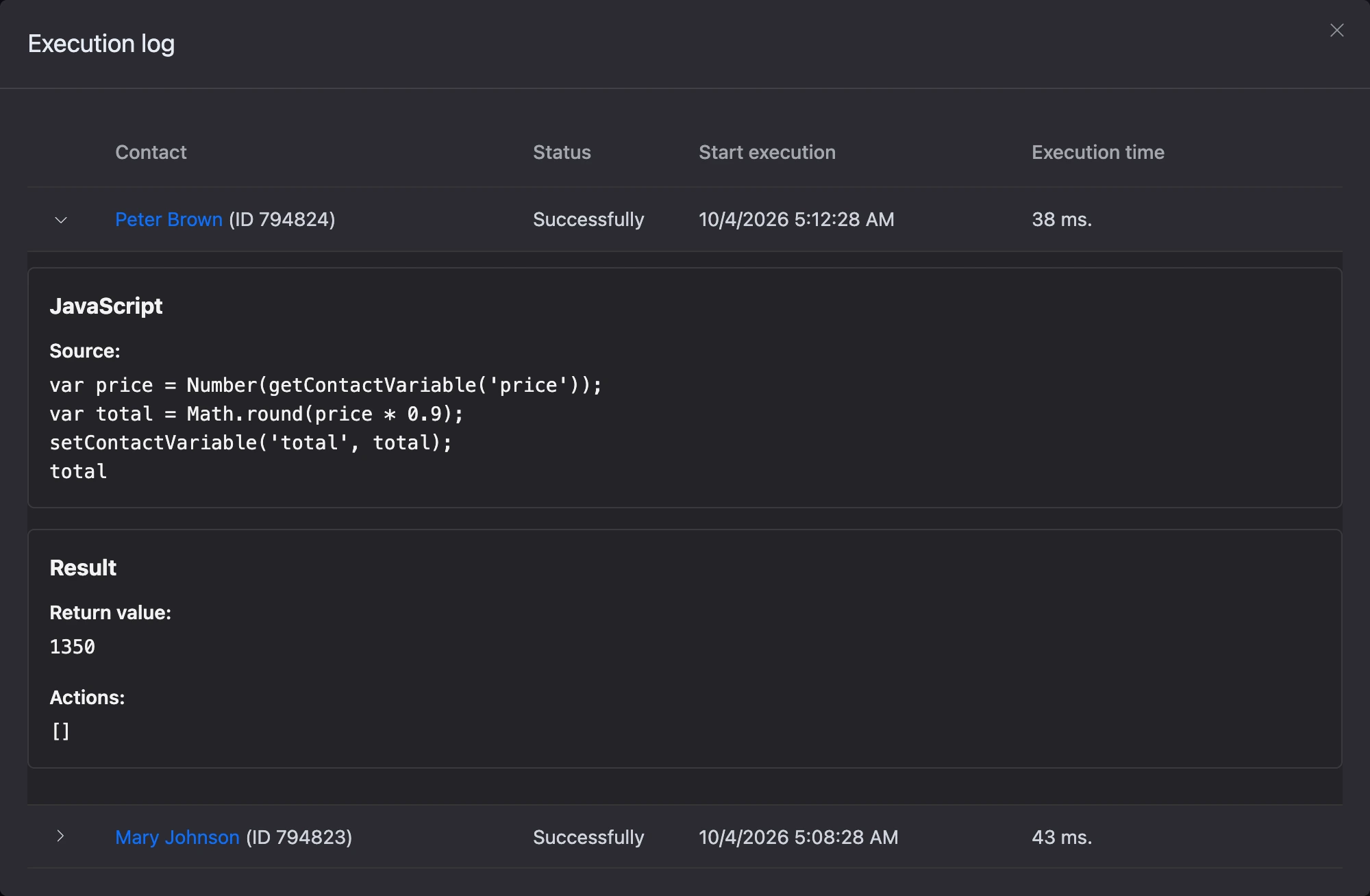
Calculate a discounted price and save the result:
var price = Number(getContactVariable('price'));
var total = Math.round(price * 0.9);
setContactVariable('total', total);
The next block will show the result with the template {{ $total }}.
Send a contact with a tag down a separate branch:
if (hasContactTag('vip')) {
    goToBlock(12345);
    disableContinue();
}
Replace 12345 with the ID of the block you need — it is shown in the block settings. goToBlock alone does not cancel the "Continue" connection: without disableContinue() the bot runs both the given block and the one connected to "Continue".
Outputs
- "Continue" — fires after the code has run, unless the code called
disableContinue().
Limits
- The language is JavaScript of the ES5 standard: no
letorconst, arrow functions or template literals. - Regular expressions have no lookahead, lookbehind or backreferences — see Language for details.
- The code is up to 16,384 characters.
- The code has 5 seconds to run. Code that does not finish in time is stopped with an error.
- The code cannot make network requests — the "HTTP request" block is for that.
If the code does not work
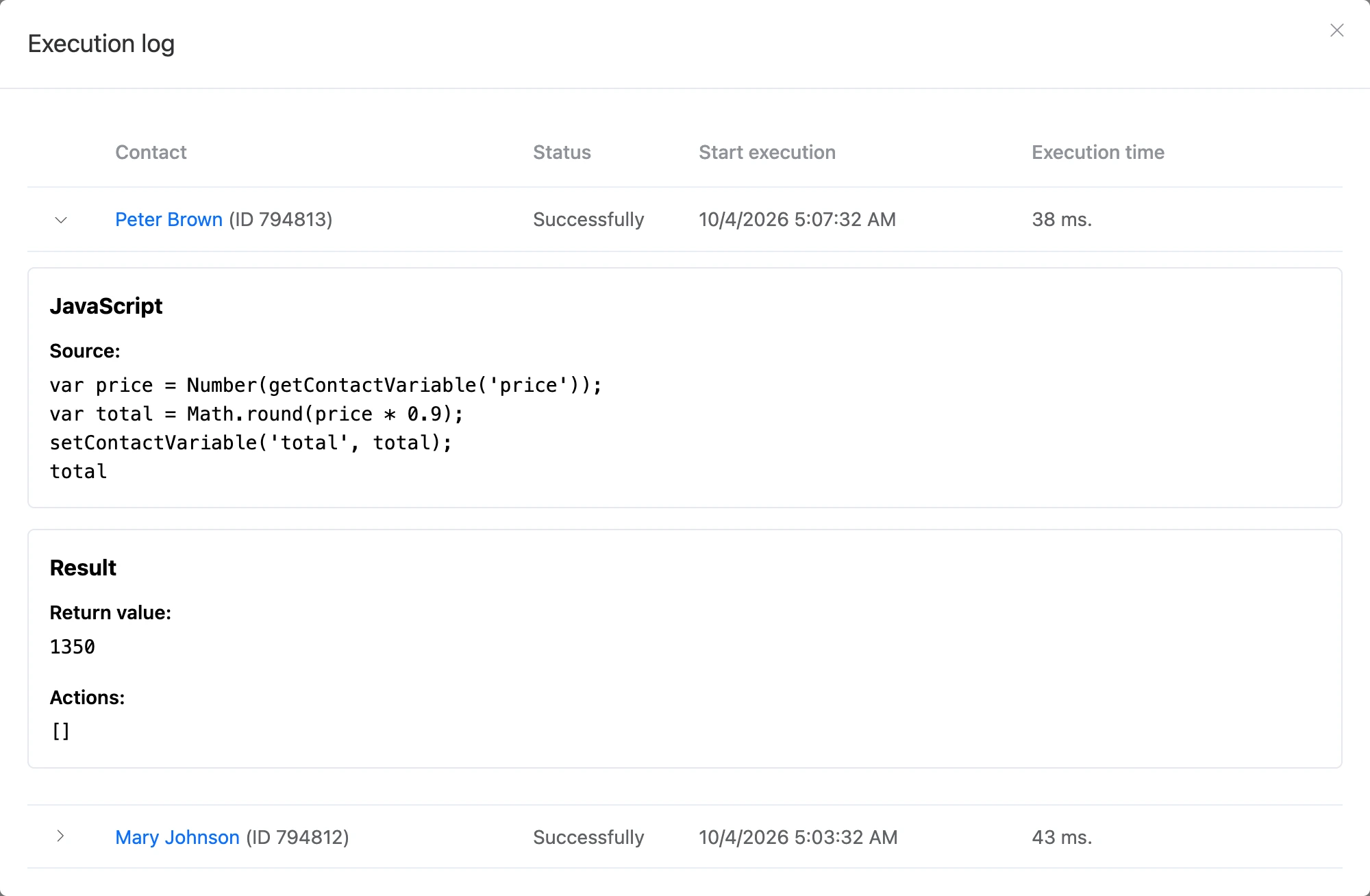
Open the "Execution log" in the block settings. An entry shows the source code, the list of actions performed and the value of the last expression — it is handy for debugging: add a variable name at the end of the code, and its value will appear in the log.
Warning
If the code ends with an error, its text is sent to the contact in the chat, and the scenario moves on along the "Continue" connection. Test the code in the bot preview before running it on real people.