

Switch
A "yes or no" choice: delivery needed, agreement with the terms, a newsletter subscription. "Yes" or "no" goes into the variable: in templates and conditions, a switch that is on is 1, and one that is off is an empty value. To check that the switch is on: the variable "=" 1.
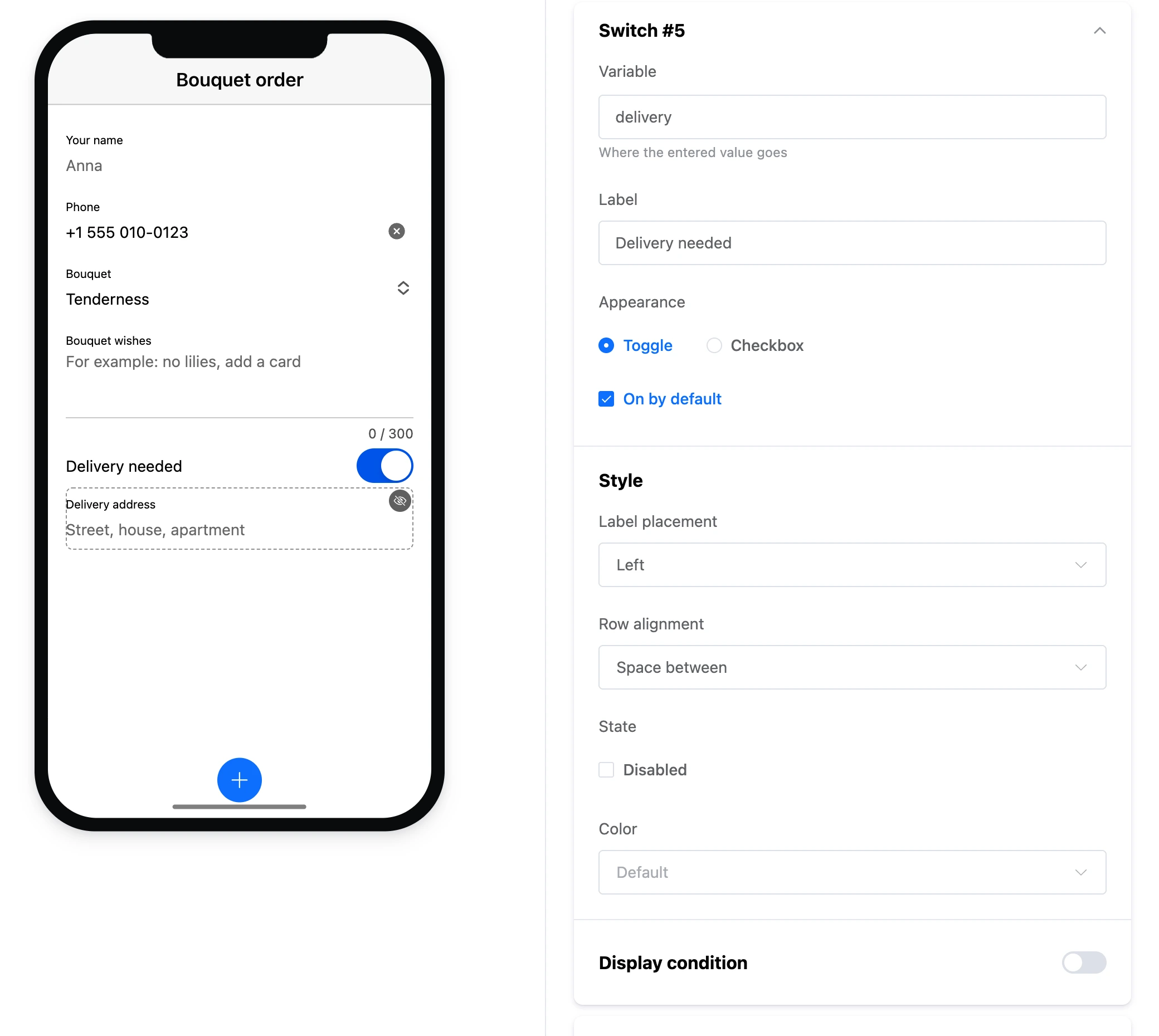

Settings
- "Variable" and "Label" — as for all fields.
- "Appearance" — "Toggle" or "Checkbox".
- "On by default" — the position of the switch when the screen opens.
- "Label placement" — "Left", "Right", "Left, fixed width", "Above".
- "Row alignment" — "Start", "End", "Space between".
- "Color" — the colour of the switch when on, from the app's palette.
- "State" — "Disabled".