

Modal
A window with its own content over the current screen. Inside is a page, like a screen's: a header and areas with elements. The window closes without taking the person away from the screen under it.
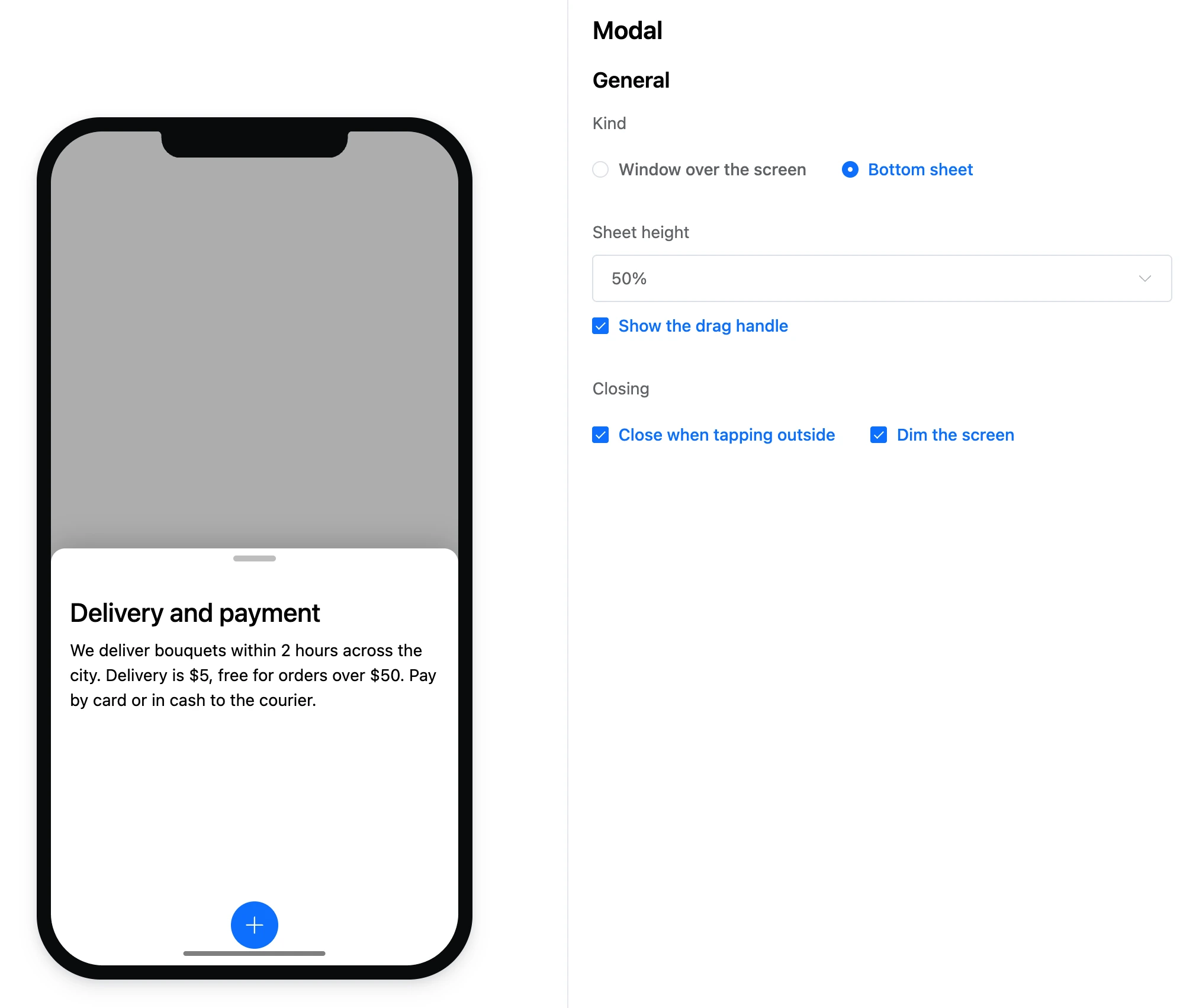
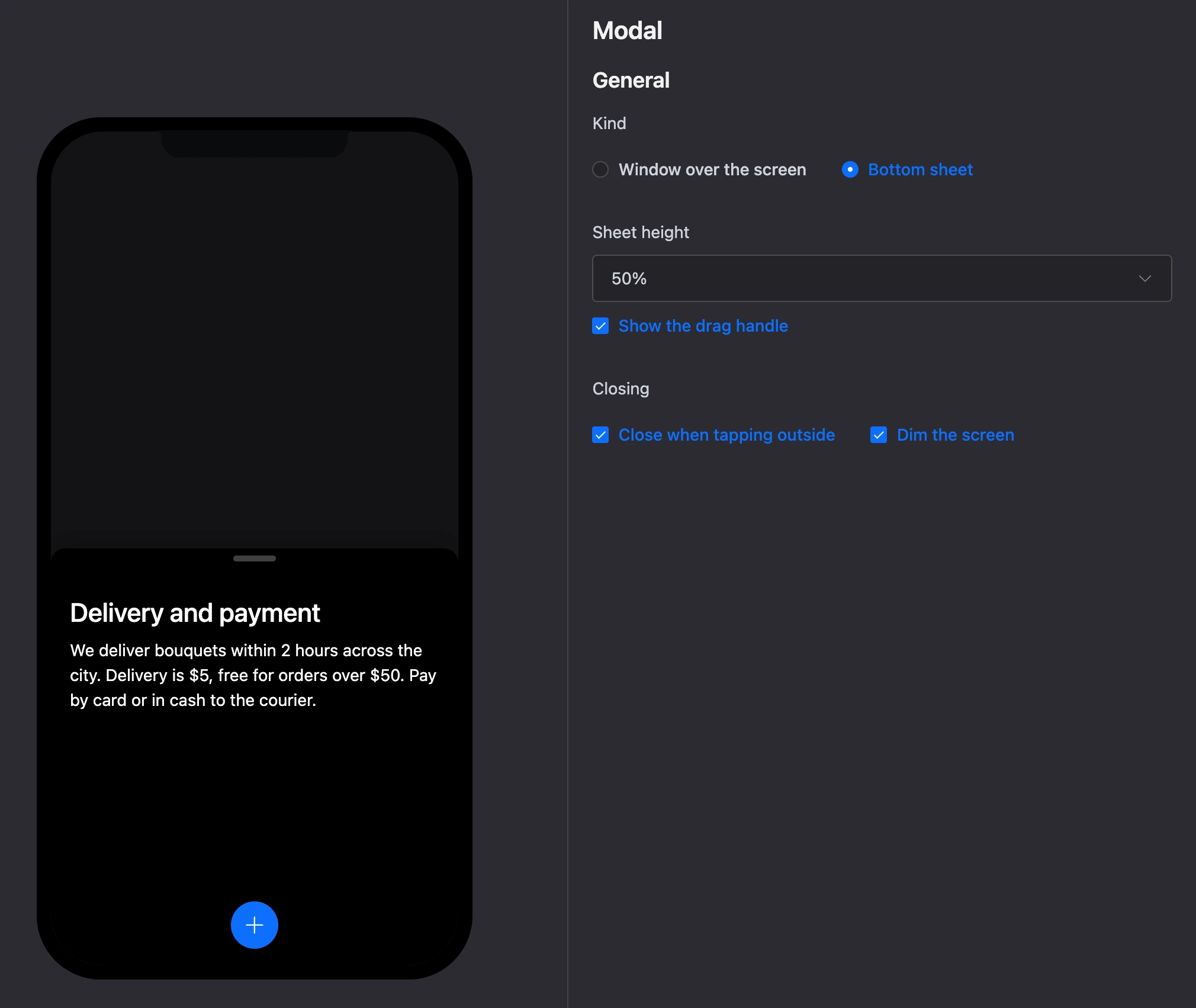
Settings
- "Kind" — "Window over the screen" or "Bottom sheet".
- "Sheet height" — 25, 50, 75 or 100% of the screen. Sheet only.
- "Show the drag handle" — a strip at the top of the sheet to pull it by. Sheet only.
- "Closing": "Close when tapping outside" and "Dim the screen" — for both kinds.
Exits
The window's exits are the tappable elements inside it: buttons, list rows, form submission and others.
Screen and window
A window turns into a screen and back: block menu → "Convert to screen" or "Convert to modal". Elements and links are kept. See the Builder page for details.
Specifics
- A modal cannot be the start block.
- A new screen closes an open window. The "back" button closes the window first, then leaves the screen.