

Screen
An app screen: a header, content, a grid or bottom tabs. A screen opens in place of the previous one, which goes into the "back" stack.
How to build it
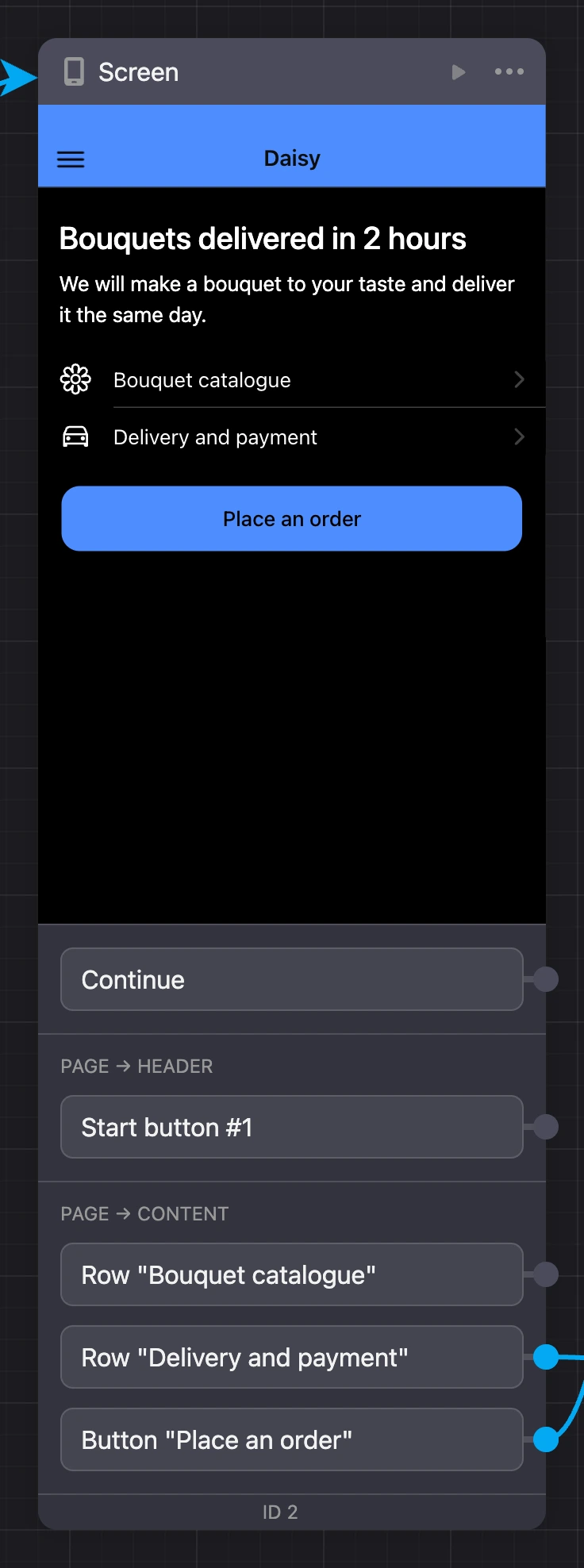
Click the block — the screen editor opens: the phone on the left, settings on the right. A new empty screen asks what it will be. The header, areas, colors and dark theme are described on the Builder page, elements — on the Screen elements page.
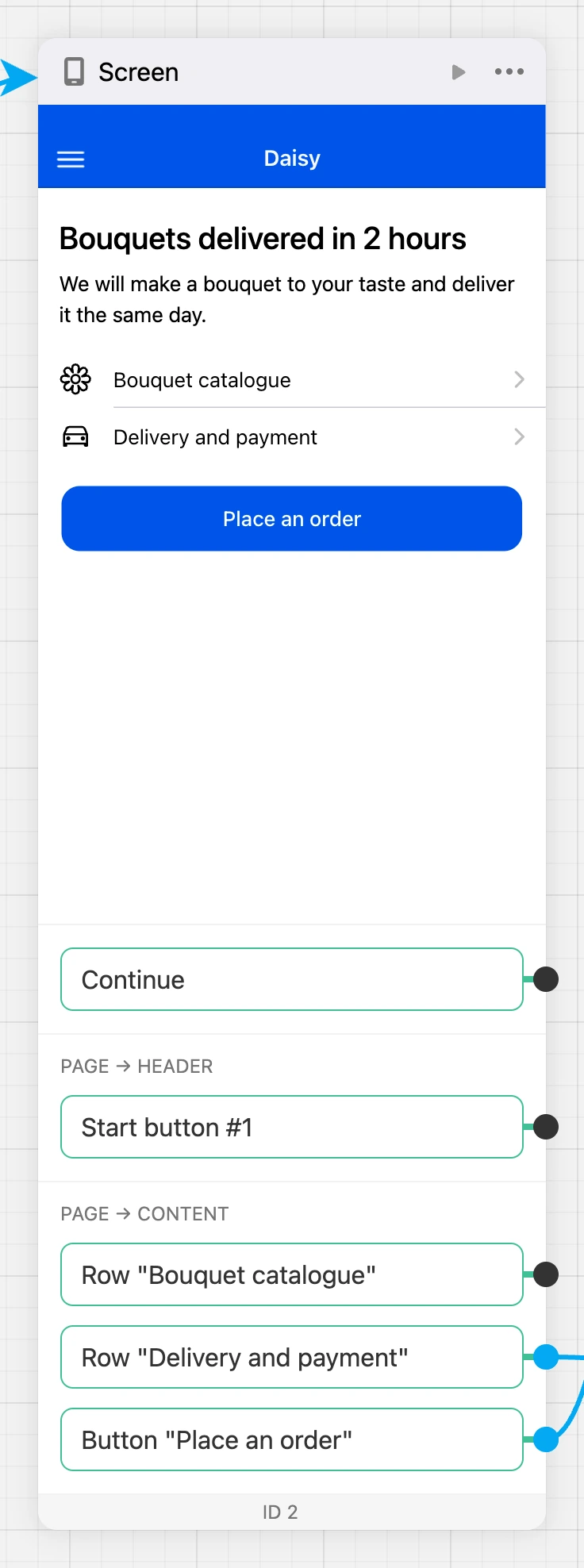
The screen is visible right in the block on the scheme. A tall screen is cut at the phone height — the "Show in full" strip expands it.
Exits
- "Continue" — fires right when the screen is shown. Through it you can, for example, immediately open a window or a toast over the screen.
- Tappable screen elements — header buttons, buttons, list rows, cards, images, form submission and others. Exits are grouped by screen areas: "page → header", "page → content". Which elements give exits is on the Screen elements page.
A link from a button to the screen that lies right under the current one in the stack works as a "back" step.
Block actions
- "Set as start block" — the app will start from this screen.
- "Convert to modal" — the screen turns into a modal, elements and links are kept. The start screen and a screen made of HTML code cannot become a window.
- "Preview from this block" — open the app in preview right on this screen.
Limits
- The "back" stack holds no more than 20 screens.
- One app version holds no more than 10,000 blocks.