

Send a quick message
The block shows the person a message with buttons. When a button is pressed, a prepared text is sent to another contact. The sender does not enter a dialogue and continues through the scenario.
Example: under a listing card there are the "Still available?" and "Ready to buy" buttons. The buyer presses a button, and the seller receives a ready-made phrase.
Settings
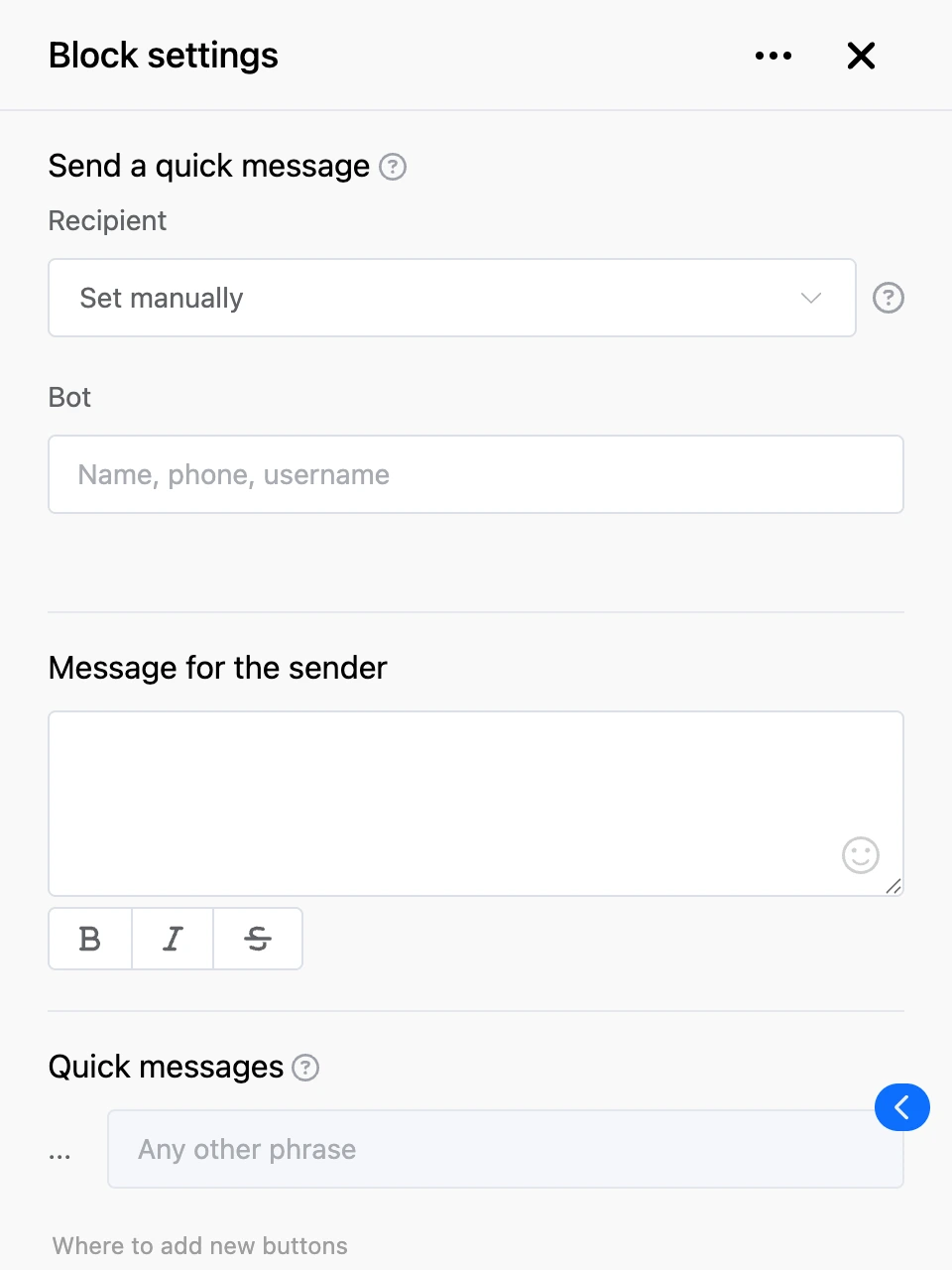
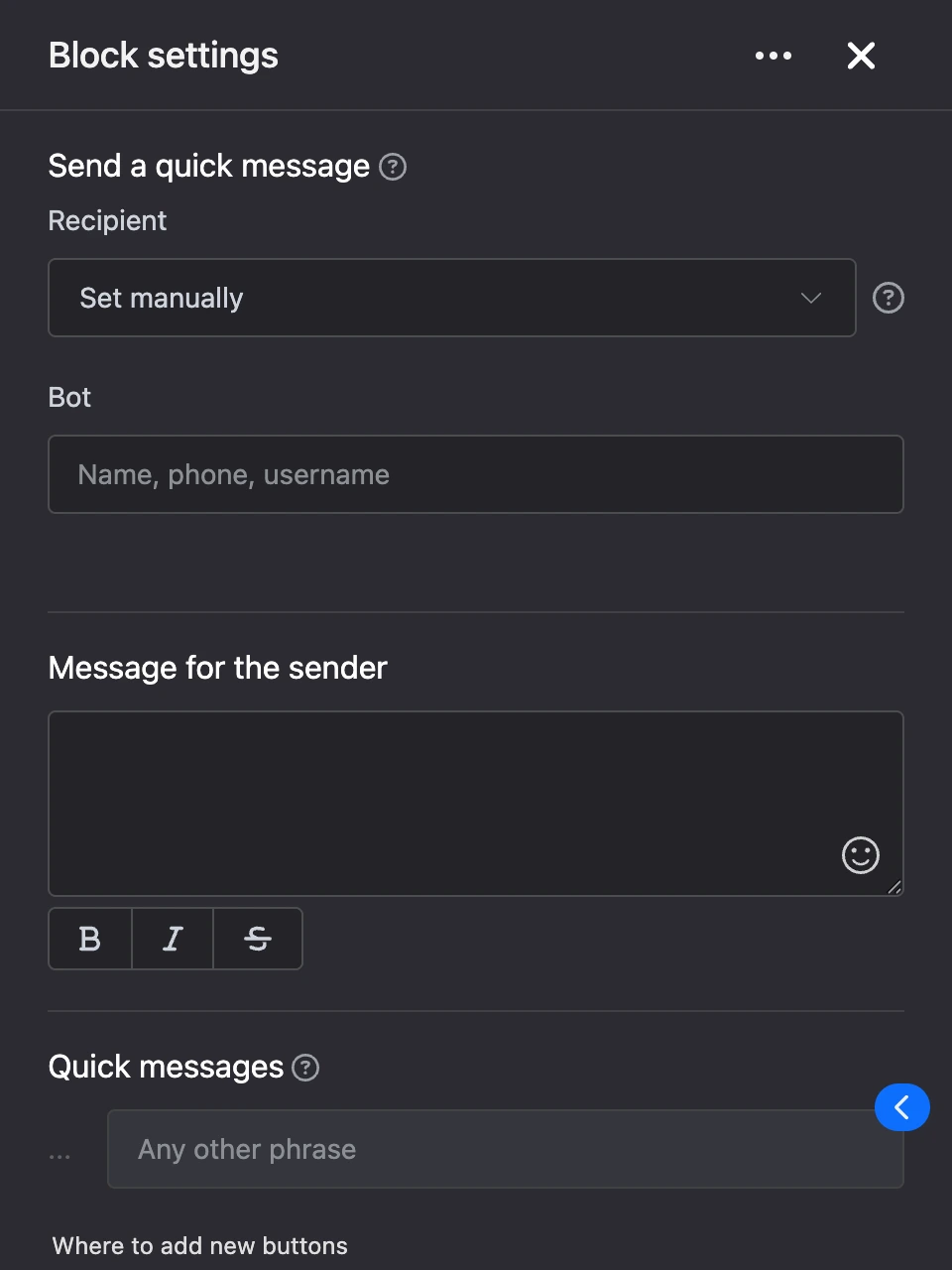
- "Recipient" — how to determine the recipient:
- "Get from previous block" — the block expects to be passed the ID of a list entry. The contact linked to that entry becomes the recipient.
- "Set manually" — choose a bot in the "Bot" field and a person in the "Contact" field.
- "Message for the sender" — the text seen by the person who reached the block, up to 1000 characters. Templates work in it.
- "Quick messages" — the block's buttons. Each button has a "Recipient text", up to 1000 characters: it is sent to the other person when the button is pressed.
Outputs
- Buttons from the "Quick messages" list — each has its own output. It fires when the button is pressed, at the same time as the text is sent to the other person.
- "Any other phrase" — the person wrote something that is not among the buttons.
- "Continue" — if the output is connected, the scenario moves on right away, without waiting for a button to be pressed.
Good to know
- The recipient sees who the message is from and can reply: their reply comes to the sender. To return to the bot, the recipient sends the "Exit" command.
- The recipient can only be a contact of your bots.
- If no recipient is chosen in the settings or the list entry is not found, the person sees "Interlocutor not found" or "The interlocutor from the list was not found" instead of the message with buttons.