

Ticket
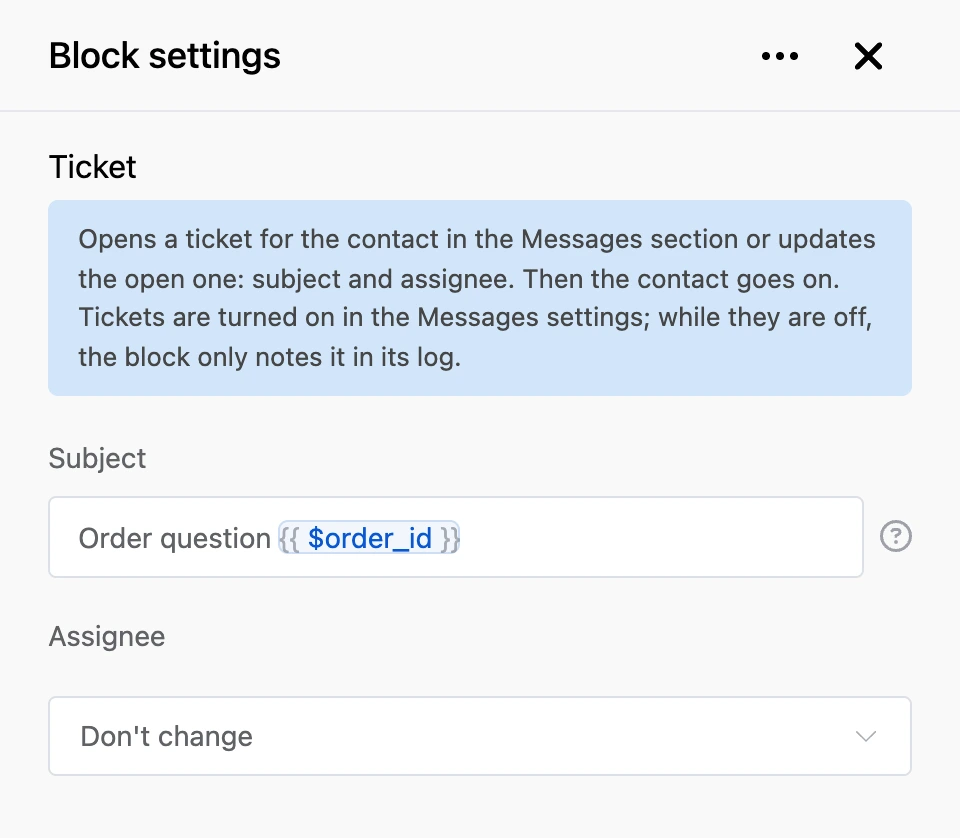
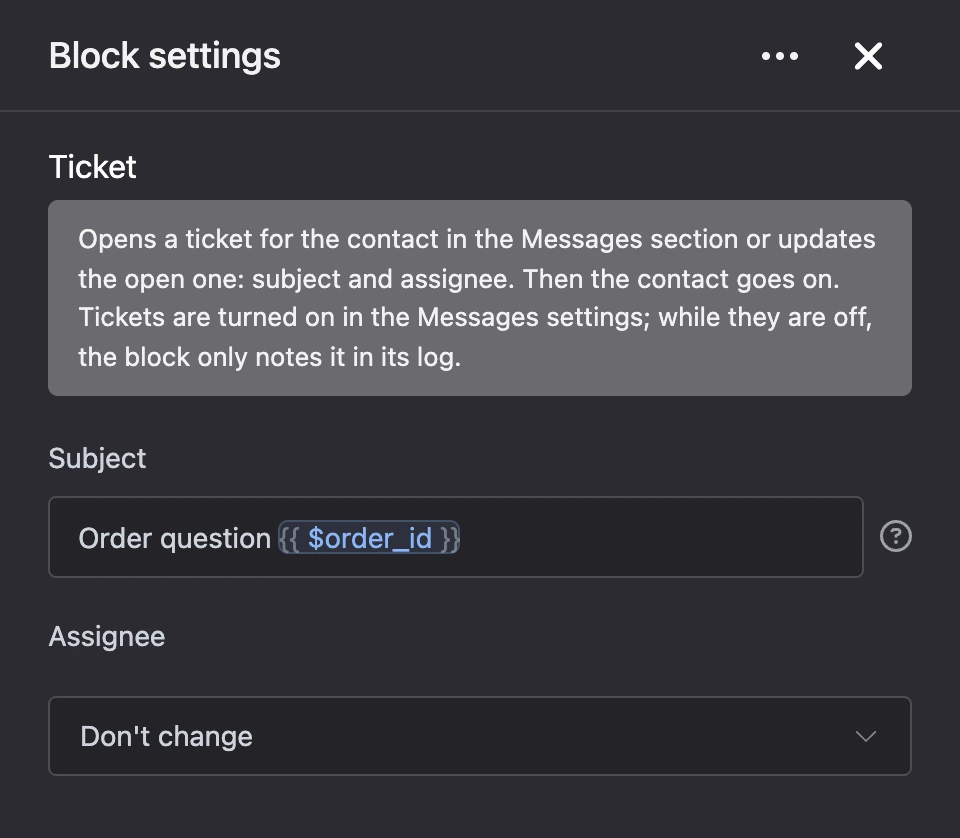
The block opens a ticket for the contact in the "Messages" section or updates the open one: its subject and assignee. Then the contact goes on along the scenario.
Put the block where the scenario hands the customer over to a human: a "Contact an operator" button, a complaint, a question the bot cannot answer.
Settings
- Subject — what team members will see in the ticket. You can insert variables:
Return of order {{ $order }}. If the field is empty, the subject stays the same. - Assignee — who to assign the ticket to. "Don't change" leaves the assignee as is. The list contains the bot owner and team members with access to messaging.
How it works
- If the contact has no open ticket, the block opens a new one.
- If a ticket was closed recently — within the time set in "Reopen a closed ticket", — the block brings it back instead of opening a new one.
- If a ticket is already open, the block changes its subject and assignee.
Outputs
- "Continue" — always fires, even if no ticket was opened.
Good to know
- Tickets are turned on in the settings of the "Messages" section. While they are off, the block opens nothing and only notes this in the block's log.
- Customer messages do not open tickets: in a scenario, only this block opens one.
- Only someone with access to the bot's messaging can be the assignee. If the chosen team member is no longer on the team, the ticket opens without an assignee.