
Update HTML widget
The block changes the data of a widget the bot has already sent to the contact — the card is redrawn in the same message. For example, after payment the order card shows "Paid", and after a purchase a new stamp appears on the loyalty card. No new message arrives.
It works in Telegram and the website chat — wherever HTML widgets are shown.
The widget's own code redraws the card on the chatDataChanged event — see Reply to the widget and new state. If the code draws the card only on load, it stays as it was after the update.
Settings
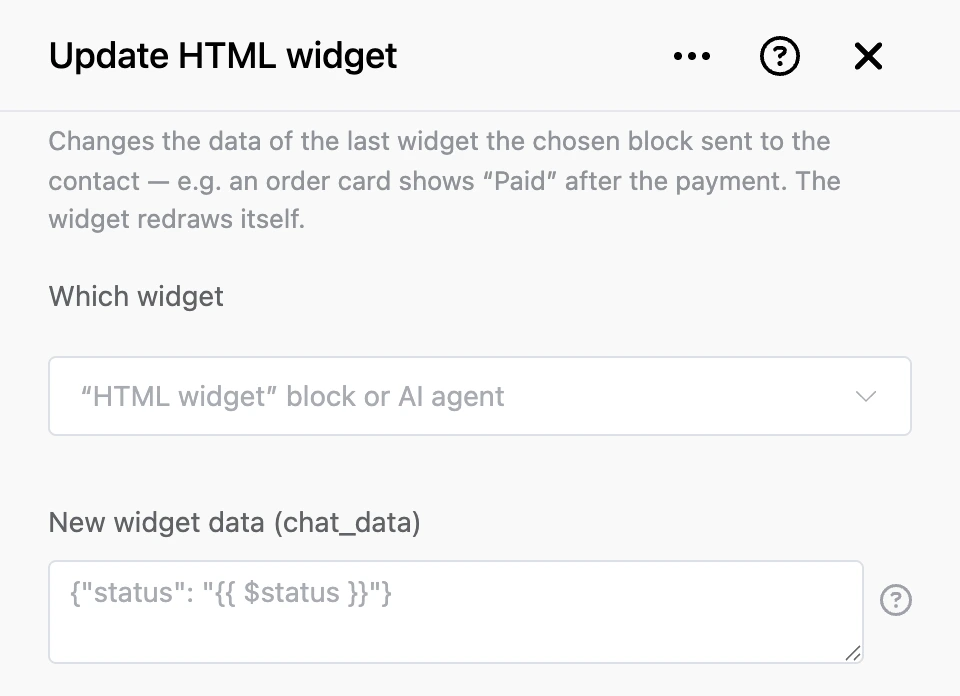
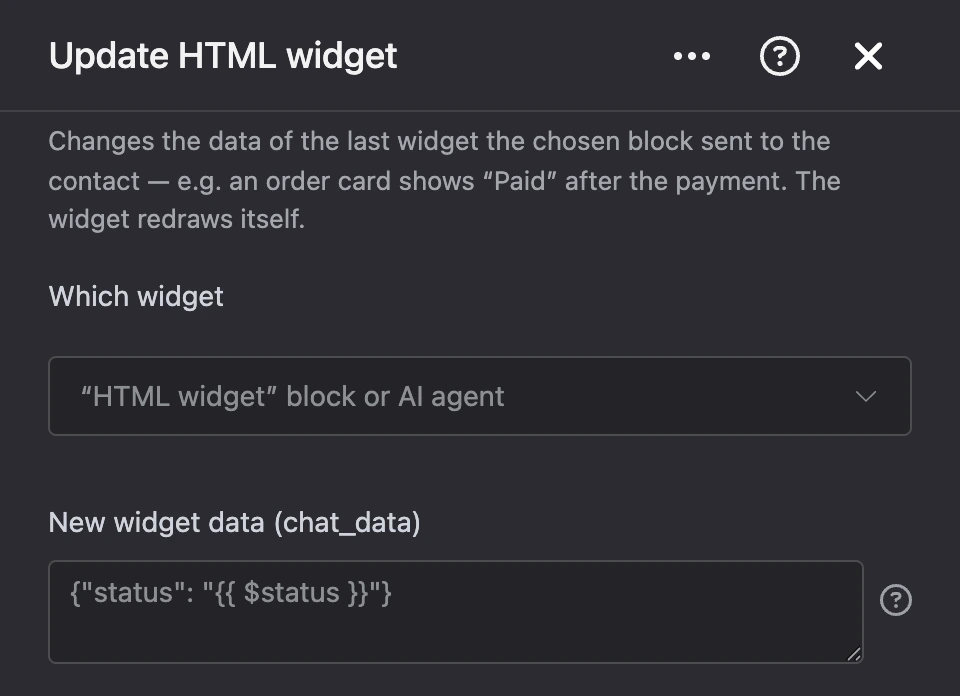
- "Which widget" — the "HTML widget" block or the AI agent that sent the widget. The last widget this block sent to the contact is updated.
- "New widget data (chat_data)" — the new widget state, up to 1024 bytes, usually JSON. It fully replaces the old data, so repeat what does not change too. Templates work:
{"stamps": {{ $stamps }}}. If you leave the field empty, the widget data is cleared.
The "Loyalty card" and "Order status" templates in the "HTML widget" block are made for this block: increase the contact variable and run "Update HTML widget" with the same data as in the widget.
Outputs
- "Continue" — the bot always moves on, even if the update failed.
If the update failed, the reason appears in the block's "Execution log": the contact is not from Telegram or the website chat, the chosen block has not sent them a widget yet, the data is over 1024 bytes, or Telegram did not accept the update.
Tip
To redraw the widget right after a tap in it, you do not need this block: set the
widget_chat_datacontact variable in the scenario after the output — see Reply to the widget and new state.